Accidentally had phone in RAW. This solved it…
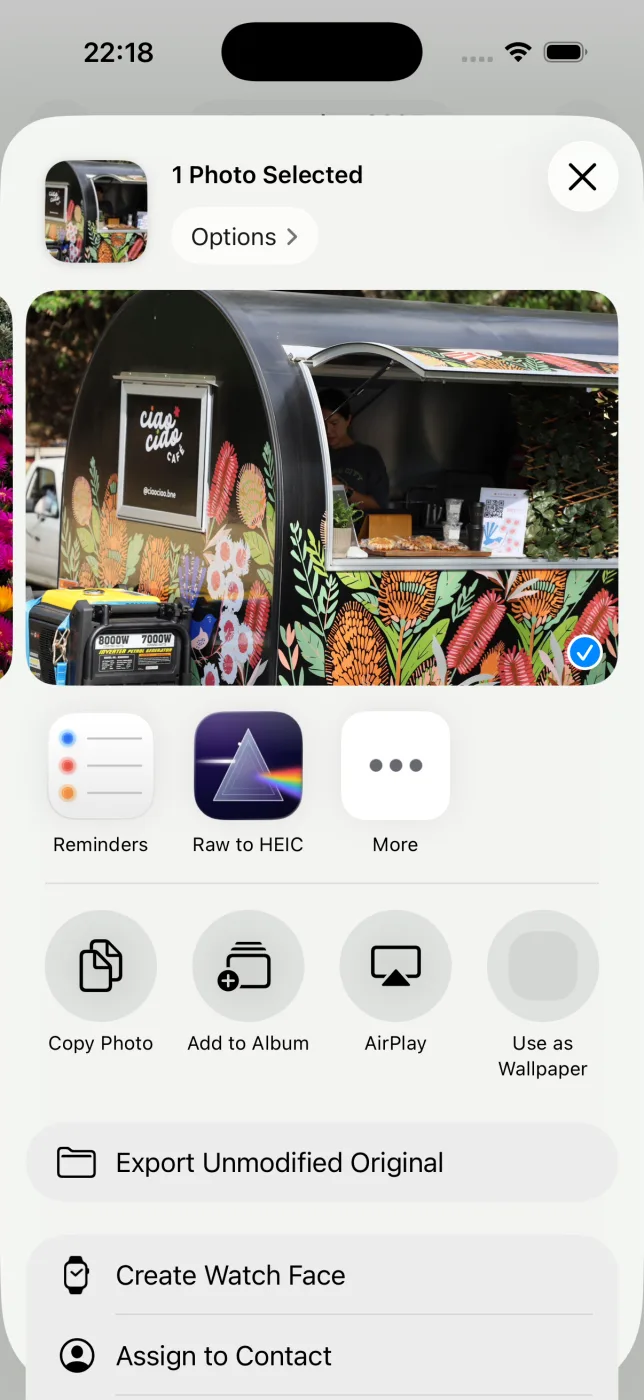
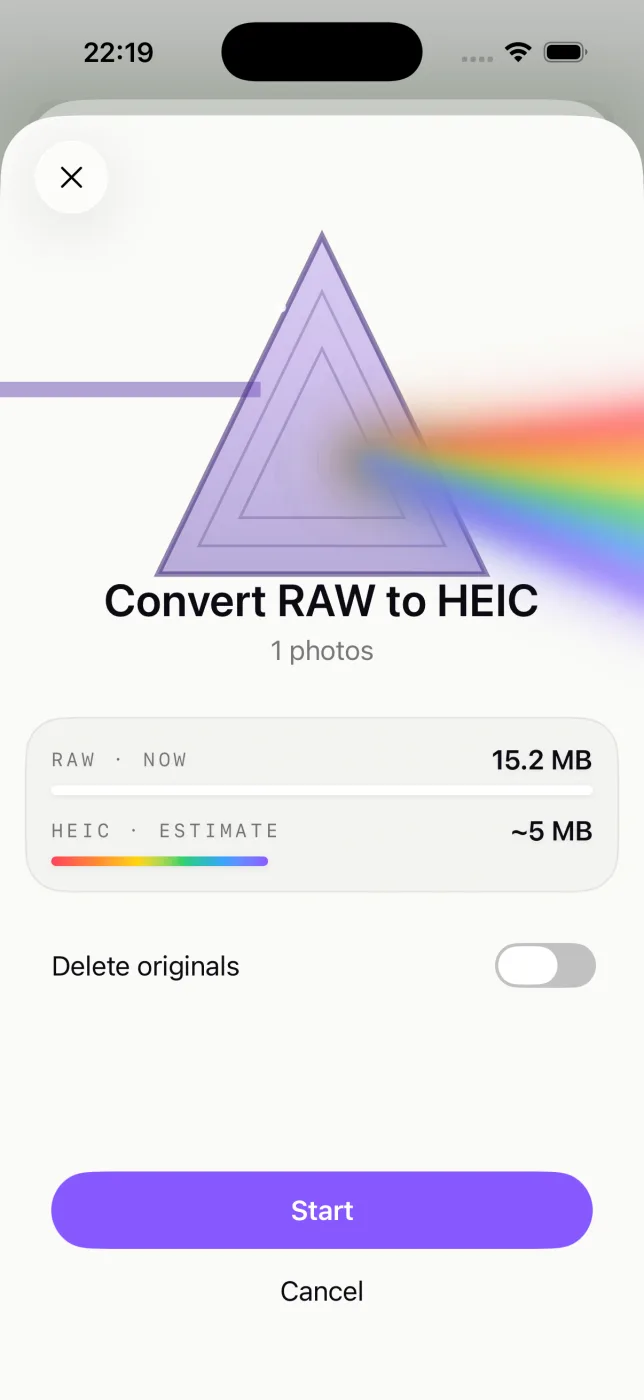
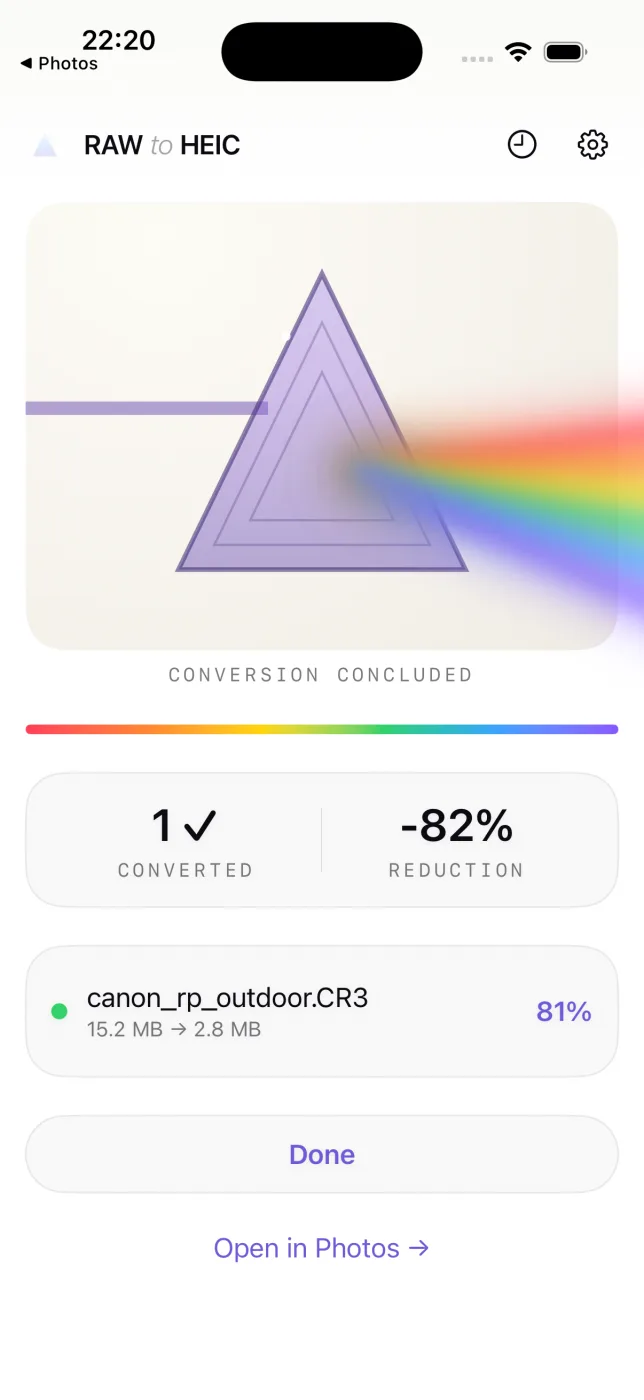
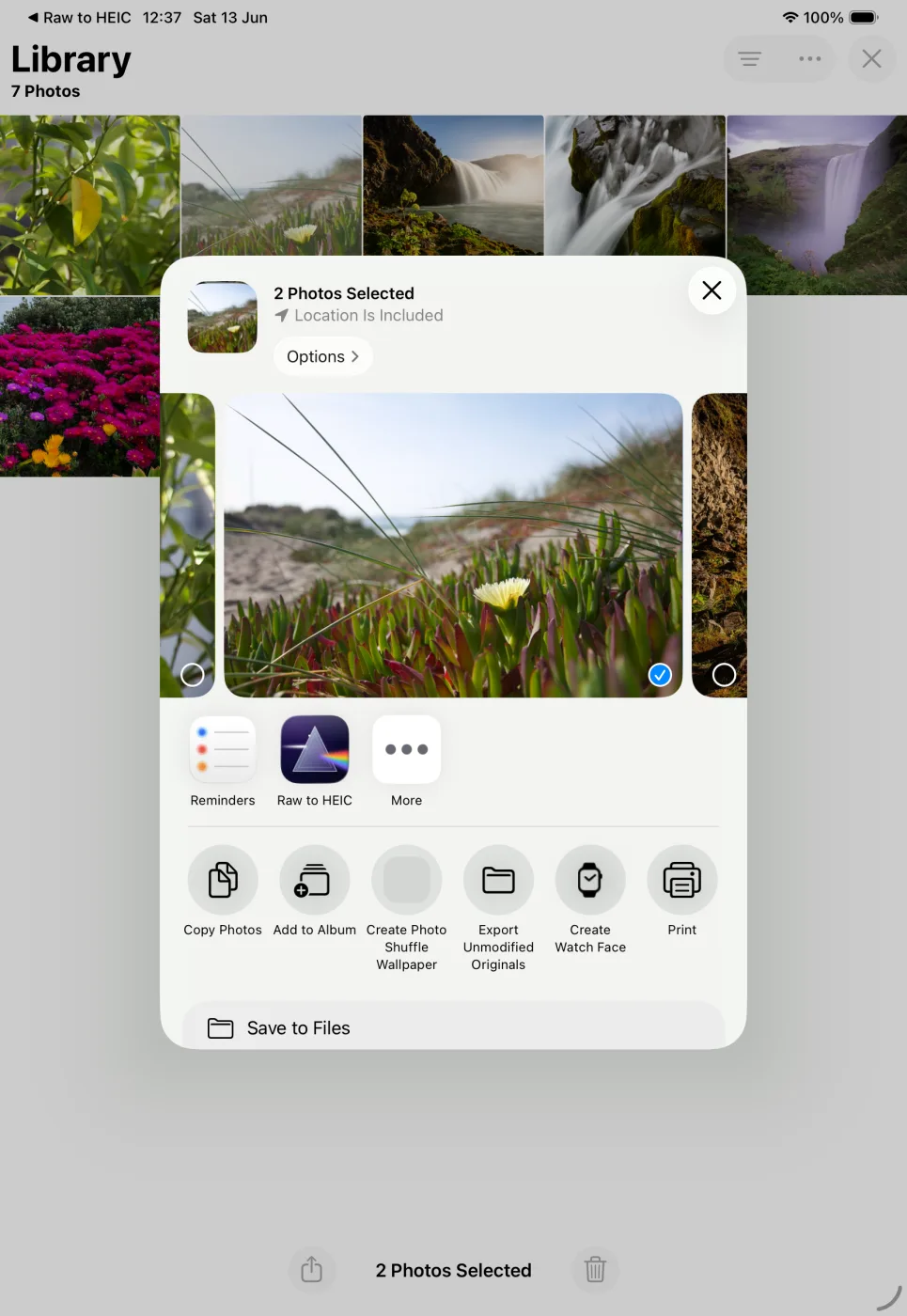
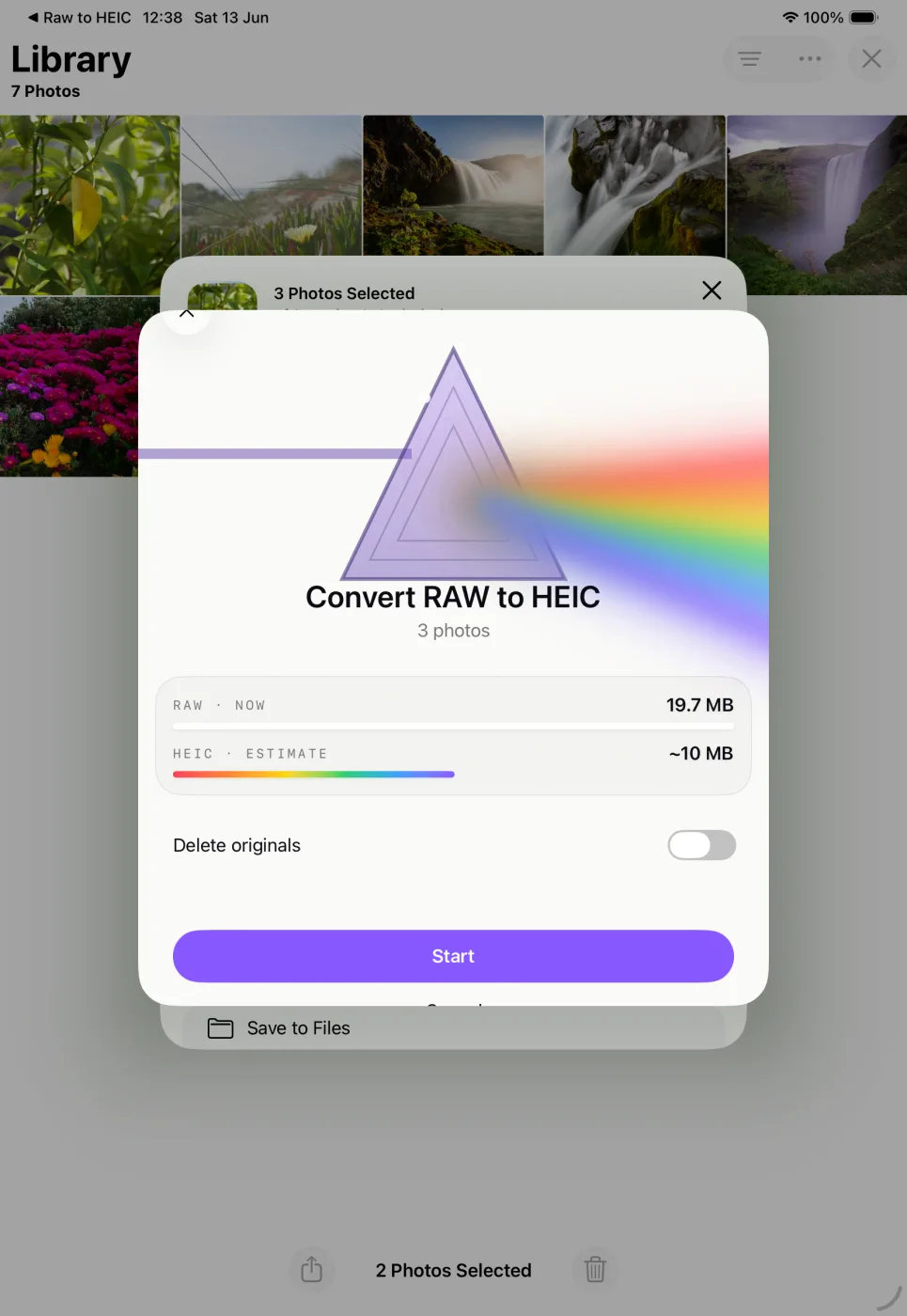
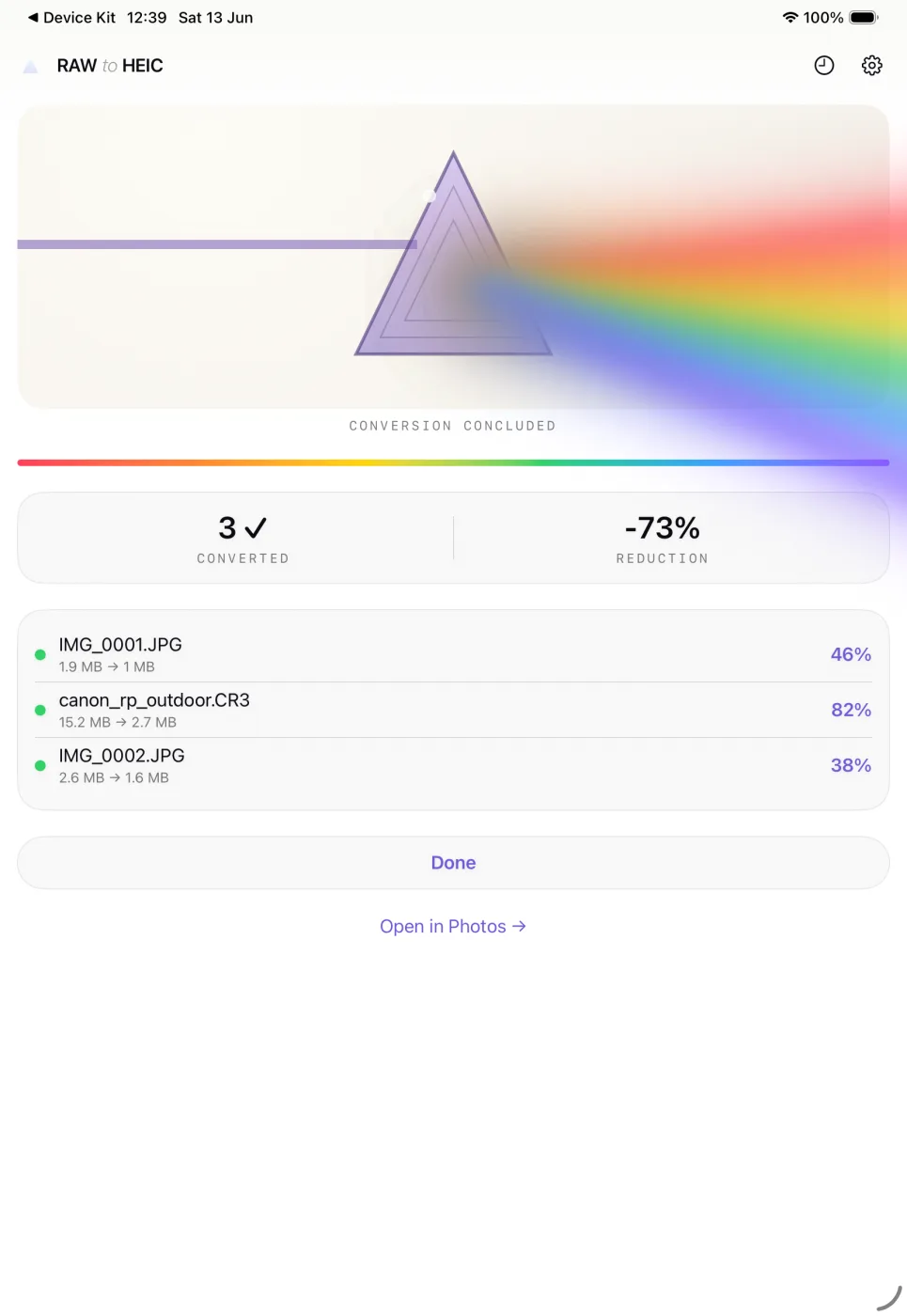
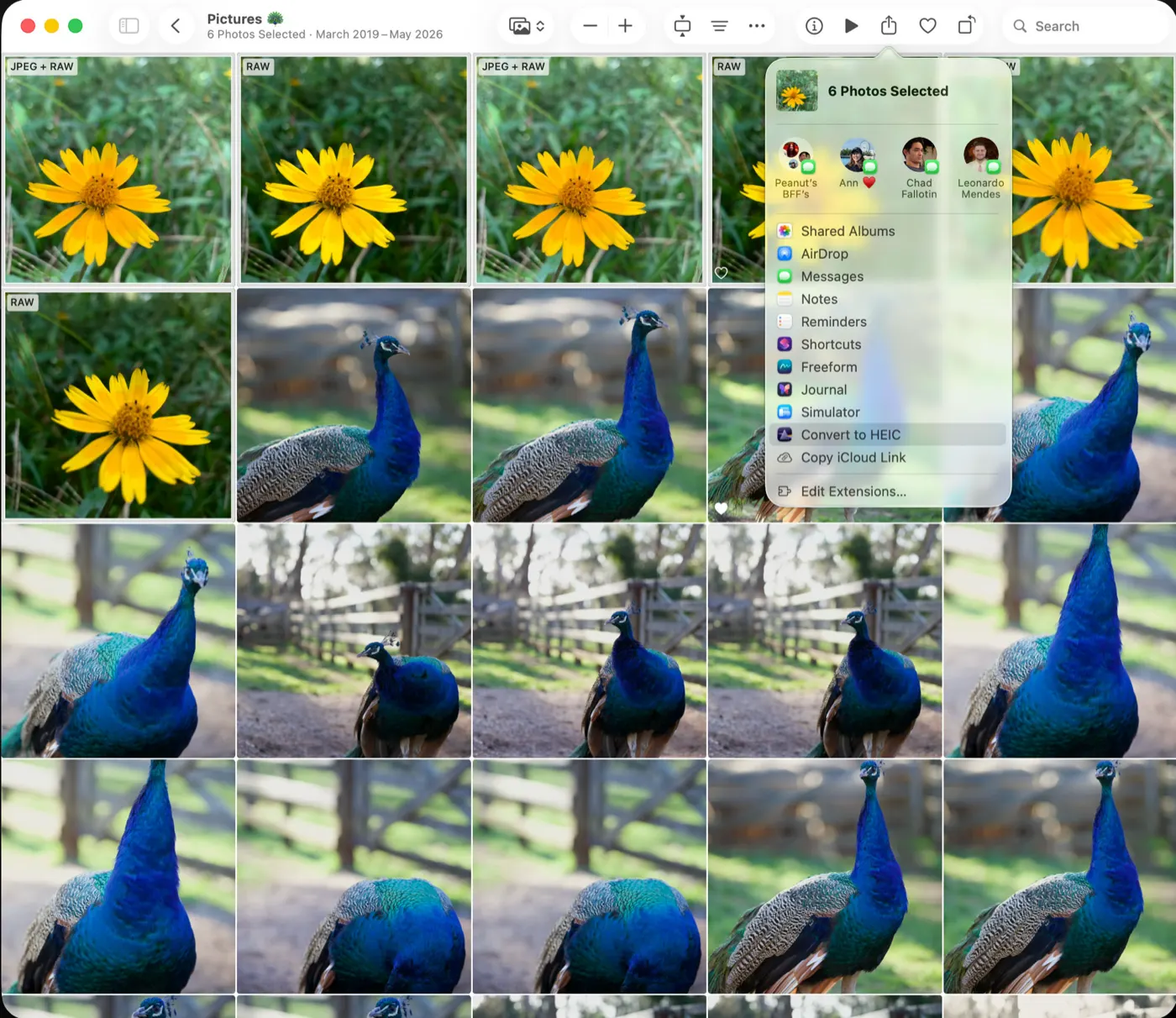
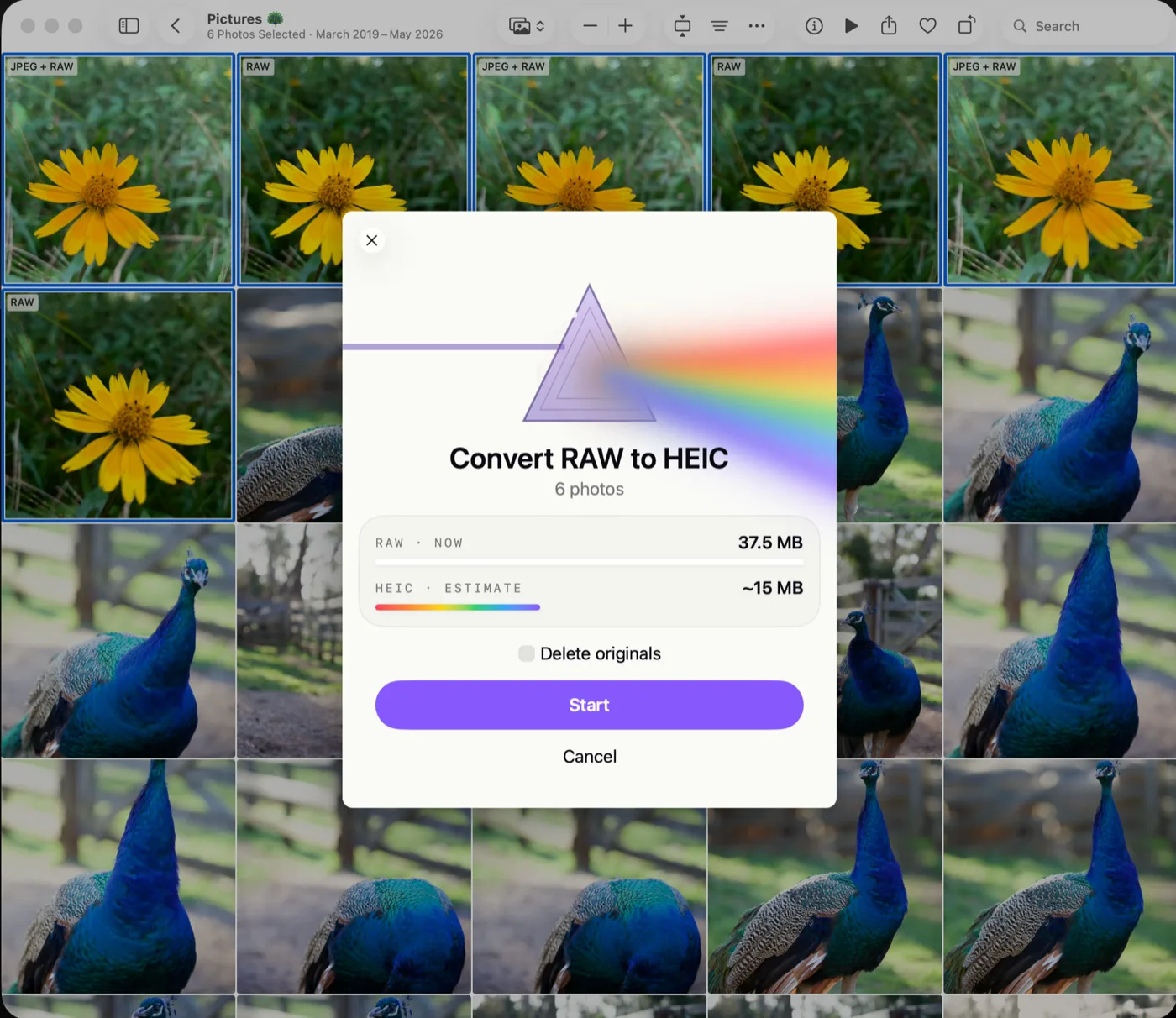
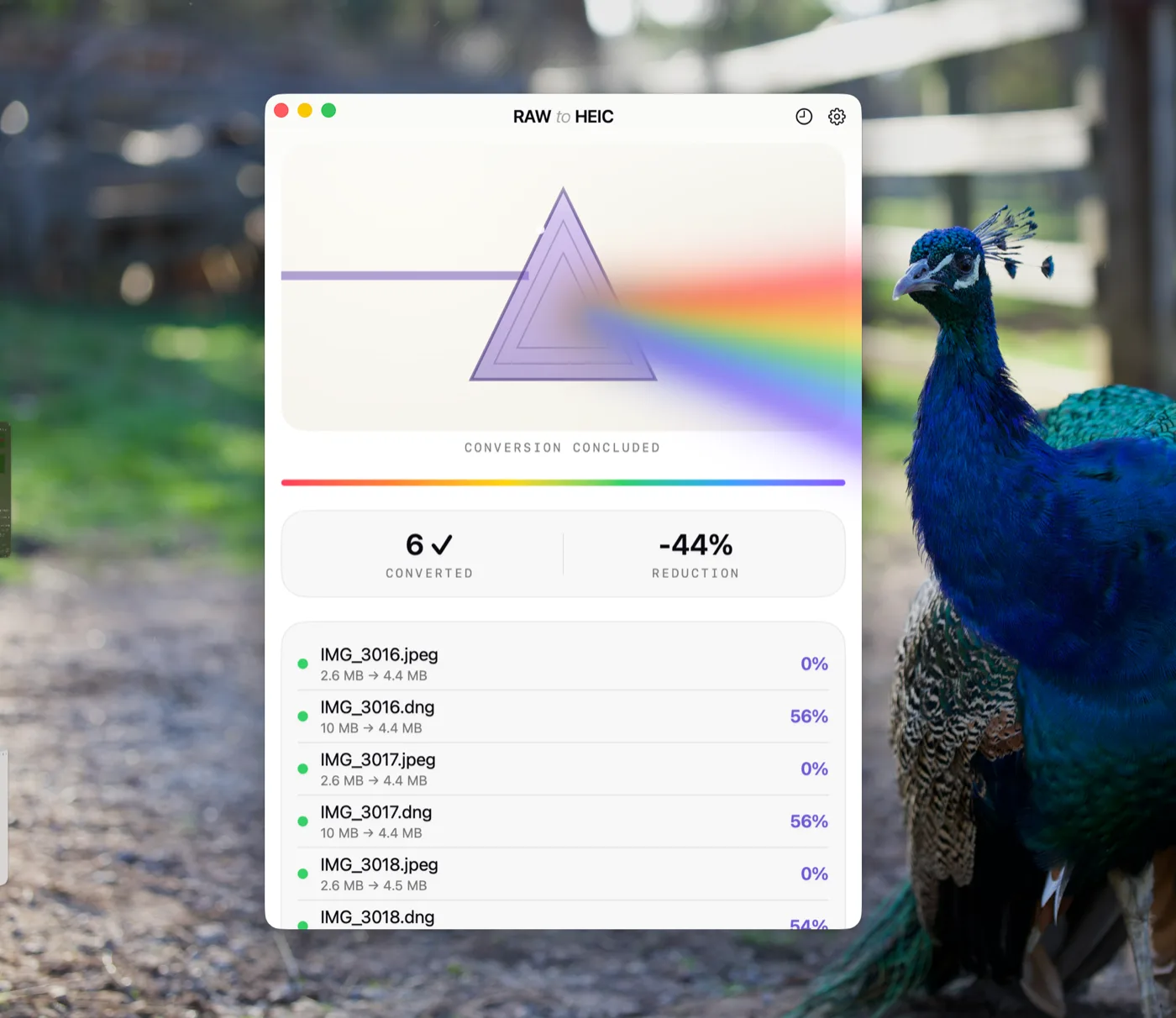
Well, thanks to the BING search engine A.I. recommending this, this became the fasted in-app purchase I have ever made. My camera got set to RAW accidentally earlier this week. I could not find an easy way to convert, and let a robot give me all kinds of options. This program seemed to be the easiest. I tried it and it went so well, I bought the full version instantly. It can also compress PNG screenshots down to HEIX saving space, which is a nice bonus. I have screenshots going back to 2007 or whenever that feature first came to the iPhone ;-) Nice job. I need to figure out how to filter by PNG, as it let me select screenshots twice, converting HEIC to HEIC. Since it showed the same before/after size, I assume it didn’t really reconvert… but the UI was not clear on what it was doing.
App Store · United States