What a Private Photo Conversion App Should Do
The problem usually shows up when your Photos library starts feeling heavier than it should. You shot in RAW for flexibility, made your edits, picked your favorites, and organized everything into albums. Then storage fills up, iCloud costs creep higher, and every “solution” seems to ask you to export files, create duplicates, or trust a server. A private photo conversion app should solve that without breaking the library you already built.
For Apple users, that standard is higher than simple file conversion. It is not enough to turn one format into another. The app needs to protect your Photos workflow, preserve the context around each image, and do the work on device. If it cannot do that, the conversion may save space while quietly creating a new mess.
Why privacy matters in a photo conversion app
Photos are personal data, not just image files. They include faces, locations, timestamps, captions, camera details, and often a full record of trips, events, and work. If a conversion app uploads any of that to the cloud, privacy stops being a feature request and becomes a risk decision.
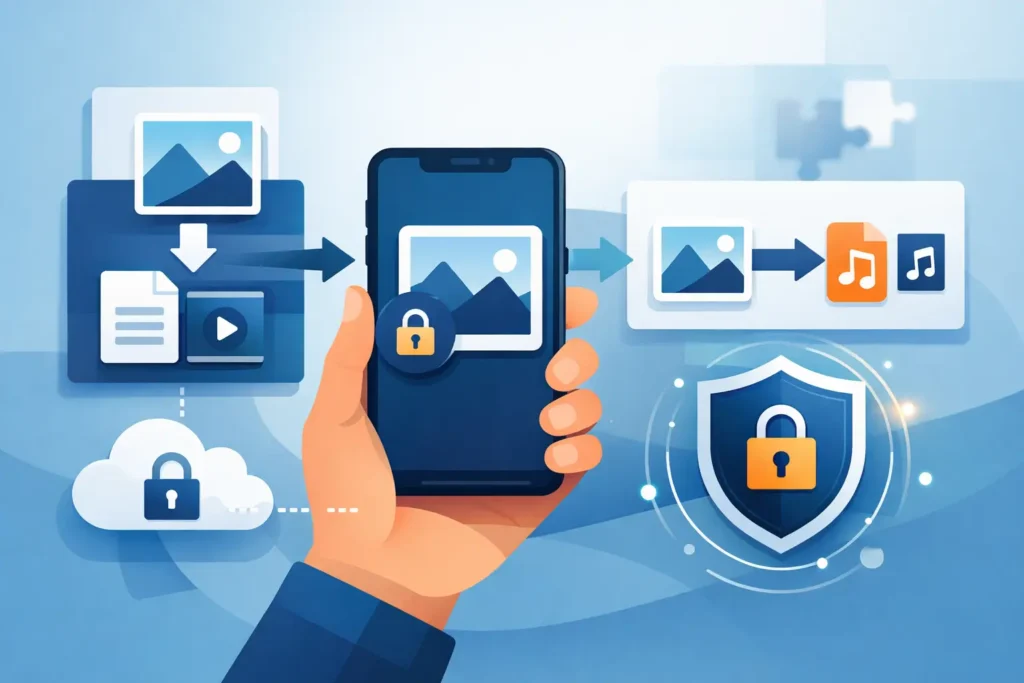
That is why on-device processing matters so much. A true private photo conversion app handles conversion locally on your iPhone, iPad, or Mac. No server round-trips. No third-party storage. No waiting for uploads before you can reclaim space. It is faster, but more importantly, it keeps the contents of your photo library under your control.
There is a second layer to privacy that gets overlooked. Some apps do not upload photos, but they still collect analytics, identifiers, or usage data. For users who care about privacy, especially inside the Apple ecosystem, that distinction matters. If an app says Data Not Collected and processes everything locally, that is a cleaner trust model.
The real job of a private photo conversion app
A conversion app should do more than shrink files. Its job is to help you keep the advantages of RAW capture while avoiding the long-term cost of storing every finished image as a large source file.
That usually means converting RAW files, including common camera formats and iPhone ProRAW, into HEIC once editing is complete. HEIC is far more storage-efficient, and for many finished photos it is the practical format for everyday libraries. The best-case result is straightforward: dramatically smaller files with image quality that still looks right in normal viewing and sharing.
But the real test is whether the app respects the structure of your library. If the converted photo loses its album membership, favorite status, caption, date, location, metadata, or edit history, the savings come with a hidden cost. You save gigabytes and lose organization. That is not efficient. It is just a different kind of cleanup project.
What Apple users should expect
Apple users tend to manage photos inside Photos, not inside a loose folder system. That changes what good conversion looks like.
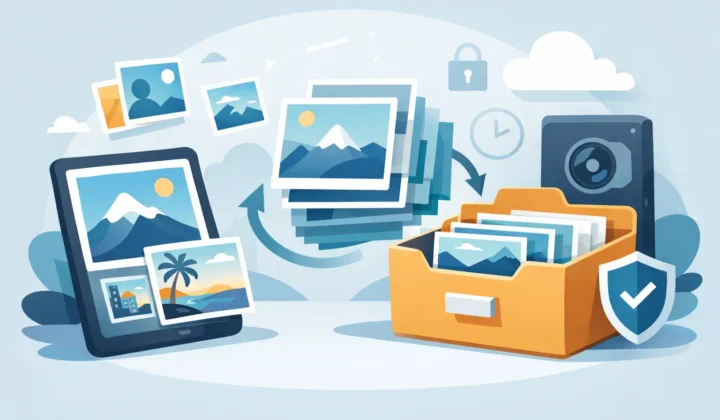
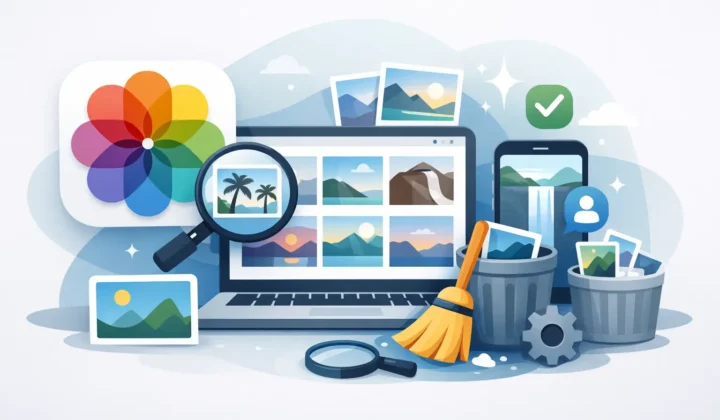
A private photo conversion app should work where your library already lives. Inside Photos, the image is not just a file. It is part of albums, memories, search results, and years of personal organization. A Photos-native workflow respects that. It avoids the usual export-convert-reimport cycle that creates duplicates, drops context, and forces you to manually fix your library afterward.
That loose-file workflow is where many tools fall short. They can convert images, but they cannot preserve your place in Photos. You export RAWs, convert them elsewhere, reimport the new versions, then compare, re-sort, and delete the originals carefully so you do not remove the wrong assets. It works, technically. It also wastes time and introduces risk.
A better approach is direct conversion within the Photos library itself. That is where an app like RawToHEIC fits naturally for Apple-focused users. The appeal is simple: convert in place, keep your organization, and reclaim storage without moving your library into a side workflow.
Private photo conversion app features that actually matter
The first feature is local processing. If conversion happens on your device, privacy is stronger and the workflow is usually faster.
The second is metadata preservation. Date captured, location, captions, and technical photo data should carry over. Search and organization depend on that information remaining intact.
The third is edit preservation. This matters most for users who already adjusted RAW files in Photos. If your converted version does not retain the result of those edits, the app has failed the most practical part of the job.
The fourth is album and library continuity. Favorites should stay favorites. Albums should stay organized. The converted item should not feel like a disconnected replacement.
The fifth is safe deletion. Any app can create a new file. The harder part is helping you remove the original RAW only when the conversion is verified. This is where good software feels careful instead of casual. Safety checks matter because a storage-saving tool should never pressure users into risky cleanup.
Finally, format support matters. If you shoot with Canon, Sony, Nikon, Fujifilm, Olympus, Panasonic, or iPhone ProRAW, compatibility is not optional. A private photo conversion app should handle the formats you actually use, not just the easiest cases.
The trade-off: smaller files vs maximum RAW flexibility
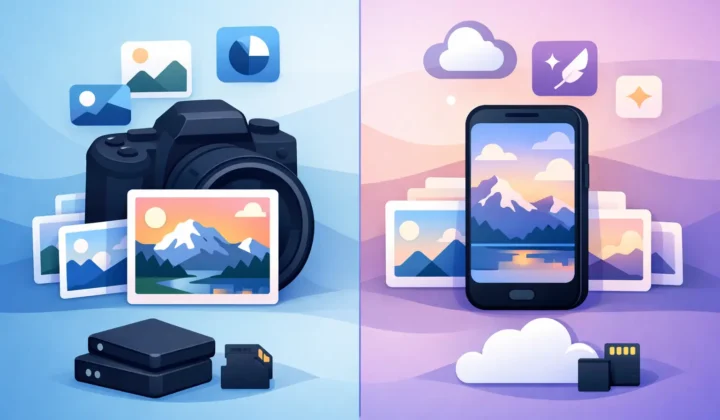
There is no point pretending there are no trade-offs. RAW exists for a reason. It preserves more editing latitude, which matters if you expect to revisit an image later and push exposure, white balance, or color heavily.
So the right question is not whether HEIC is “better” than RAW. It is when RAW still earns its storage cost. For active projects, portfolio selects you may re-edit extensively, or images with difficult lighting, keeping the RAW may make sense. For finished shots, family libraries, travel photos, reference images, and thousands of already-edited keepers, HEIC is often the smarter long-term format.
That is where a private photo conversion app becomes useful instead of merely convenient. It gives you a practical middle path. You can shoot RAW when you need its flexibility, then convert once the image is finished and no longer needs that full editing headroom.
Why the no-subscription model matters here
Photo utility apps often get treated like minor purchases until they become recurring charges. That is especially frustrating for a tool built around a narrow, specific task.
For many users, a one-time purchase makes more sense. You are solving a permanent workflow problem, not renting access to a social platform or cloud service. If the app runs locally, collects nothing, and continues receiving compatibility updates, the value proposition is cleaner. You pay once, use it across your Apple devices, and get the storage savings without adding another monthly bill.
That pricing model also matches the privacy-first logic. If the company is not monetizing subscriptions or data collection, the relationship is simpler. The app succeeds by doing its job well.
Who actually needs a private photo conversion app
Not every Apple user does. If you only shoot JPEG or HEIF and your library is modest, you may never feel enough storage pressure to care.
But if you shoot ProRAW on iPhone, import mirrorless or DSLR RAW files into Photos, or maintain a large family or travel archive, the need becomes obvious fast. RAW libraries grow quietly, then all at once. A few hundred files are manageable. A few years of shooting can become expensive in storage and awkward to manage.
This is especially true for users who like Photos because it is simple. They do not want a desktop asset manager, a cloud relay, or a file-handling ritual every time they clean up their library. They want the Apple-native experience to stay intact while the files become more practical.
How to judge the right app
If you are comparing options, ignore vague claims and focus on workflow proof. Does the app convert on device? Does it work directly with Photos? Does it preserve edits, albums, metadata, and HDR where supported? Does it verify before deletion? Does it support your camera files? And does it ask for a subscription when a one-time utility purchase would be more reasonable?
Those questions cut through most of the marketing.
A private photo conversion app is worth using when it reduces storage without creating cleanup work, privacy concerns, or library damage. That is the standard. If the app saves space but forces exports, breaks organization, or treats your photo history like disposable files, it is solving the wrong problem.
The best tool feels almost boring in the right way. A few taps, smaller files, same library, no drama. That is what photo management should feel like after the editing is done.
Shrink your RAW library, right inside Photos.
RawToHEIC converts camera RAW and iPhone ProRAW to HEIC up to 10× smaller — keeping every edit, album, favorite, and location. On-device, no account, one purchase for iPhone, iPad, and Mac.

Not sure yet? Convert a few sample photos free — no install, nothing uploaded.
Try it free — no install →