About
Why I built RawToHEIC
I'm an indie developer — and a photographer with a storage problem. RawToHEIC is the app I went looking for, couldn't find, and ended up building for myself.
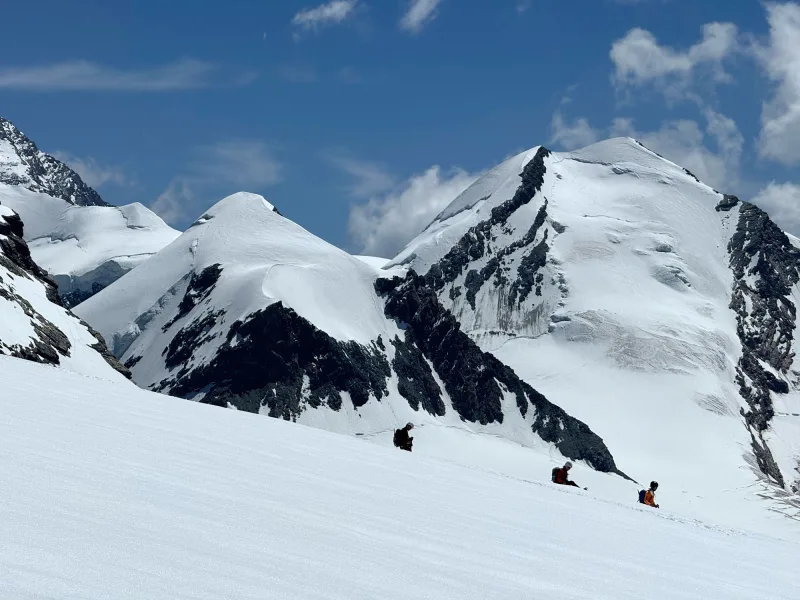
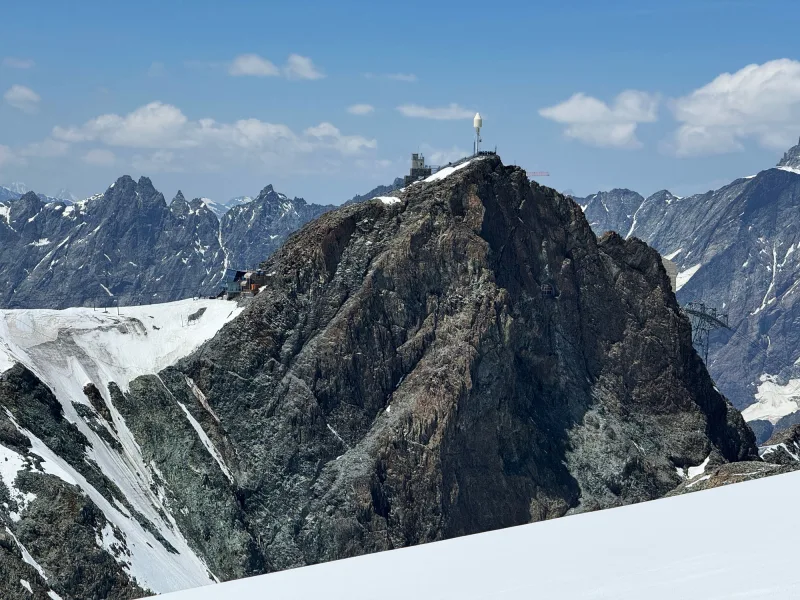
It started over the Alps. I was on a trip I'd planned for months, standing in front of a view I'd never see again, and my phone wouldn't take the picture. iPhone Storage Full.
I freed up a little the usual way — deleted apps I never opened, cleared out old videos — but I knew where the real weight was, because I'd been ignoring it for a year. My RAW photos.
I shoot a Canon RP, and I turned on ProRAW the day Apple shipped it. RAW is wonderful. It's also enormous — 25 to 50 MB a shot. A couple of years of that across a few thousand photos is a number that makes you wince. My library wasn't full of junk. It was full of the good stuff, and the good stuff was the problem.
The thing nobody had solved well
Here's what bothered me: I don't actually need my photos in RAW forever. RAW earns its size while I'm editing, when I might want to rescue a blown-out sky or lift deep shadows. But months later, for almost every shot, the edit is done. I'm never going back to re-grade a photo of dinner. I was paying full RAW price to store finished pictures.
HEIC fixes that. It's roughly 10× smaller for something that looks, to my eye, identical. So the task was simple: convert the RAWs I no longer needed in raw form, keep everything else about them, and reclaim the space.
Simple to say. Annoying to do. Every tool I found wanted me to export my photos out to the Files app, run a converter, import the results back, then hunt down the originals to delete — losing the album, the favorite, the location, and the edit somewhere along the way. Some wanted a monthly subscription to convert files. A few wanted to upload my photos to a server. These are my photos. No.
So I built the one I wanted
The app I wanted had a short, stubborn list of rules:
- It lives inside Photos. I tap Share on a photo I'm already looking at, and it's right there.
- It keeps everything — the edit, the album, the favorite, the caption, the location, the camera settings.
- It never deletes a RAW it hasn't safely replaced and verified first.
- It does everything on my device. No uploads, no account.
- It's free to try, costs money once if I want unlimited — and then leaves me alone.
That's basically a description of an app that didn't exist. So I built it, and called it exactly what it does.
What it's like now
The first time I ran it on a real chunk of my library, I watched the storage number drop by tens of gigabytes and felt a problem I'd been carrying quietly get set down.
Now it's a five-minute habit. Every month or so I select the RAWs from shoots I've finished editing, tap Share, and let it run while the kettle boils. The space comes back. The photos stay exactly as they were. I shoot more freely, because the cleanup is no longer a wall I have to climb.
I'll be honest about one thing: converting RAW to HEIC is a lossy step, so for the handful of truly irreplaceable shots, I keep the originals. For everything else, it's a trade I'd make every time.
If your library is quietly drowning in RAW too, this is the app I wish someone had handed me a year ago.
Want your storage back too?
RawToHEIC does the exact thing that got my space back: convert RAW to HEIC right inside Photos, on-device, keeping every edit, album, and location. Free to try, one purchase for unlimited — no account, and nothing ever leaves your phone.

Not sure yet? Convert a few sample photos free — no install, nothing uploaded.
Try it free — no install →— Sandro, indie developer