RAW · ProRAW
Convert any RAW
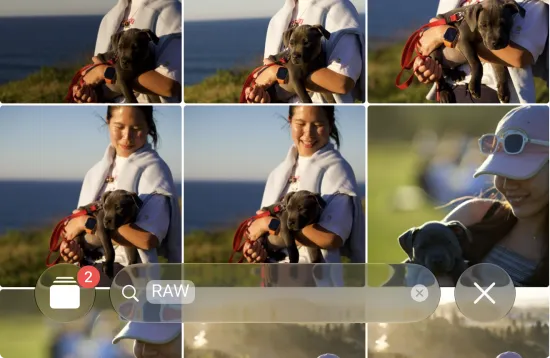
Every camera RAW and iPhone ProRAW — CR3, ARW, NEF, RAF, ORF, DNG and more — turned into HEIC up to 10× smaller.
Features
One on-device app that shrinks your RAWs up to 10× — and keeps every edit, album, favorite, and location exactly where it was. Here’s the whole toolkit.
Every camera RAW and iPhone ProRAW — CR3, ARW, NEF, RAF, ORF, DNG and more — turned into HEIC up to 10× smaller.
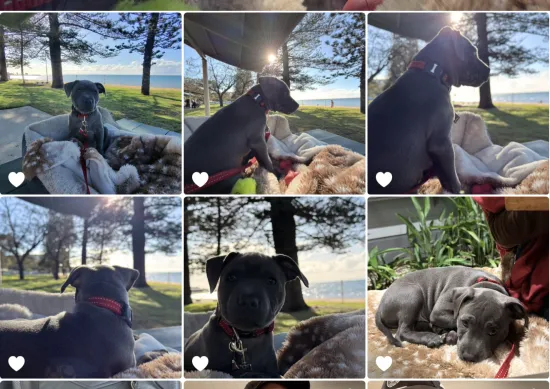
Not just RAW. Shrink heavy JPEG, PNG, TIFF and existing HEIC files with the same on-device pipeline.
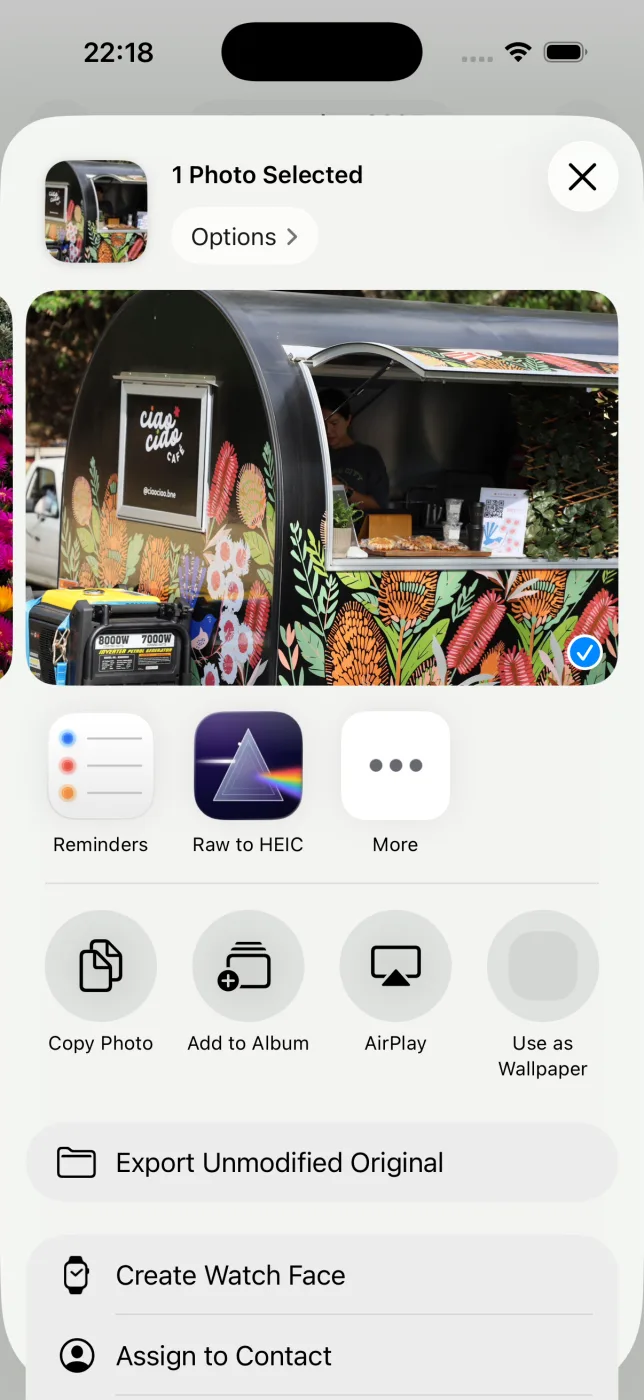
Select photos, tap Share, choose RawToHEIC. No exporting to Files, no importing back — it happens where your photos already live.
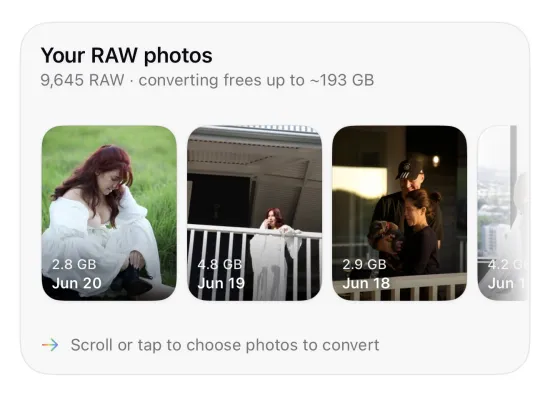
The converted photo keeps its place in every album, its favorite heart, and its GPS location — exactly where the RAW was.
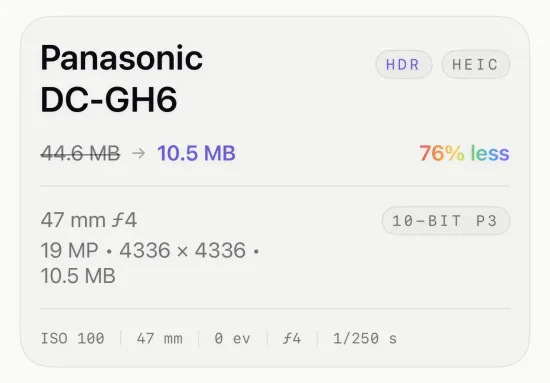
Capture date, camera and lens, exposure settings, captions and keywords all carry over to the new HEIC.
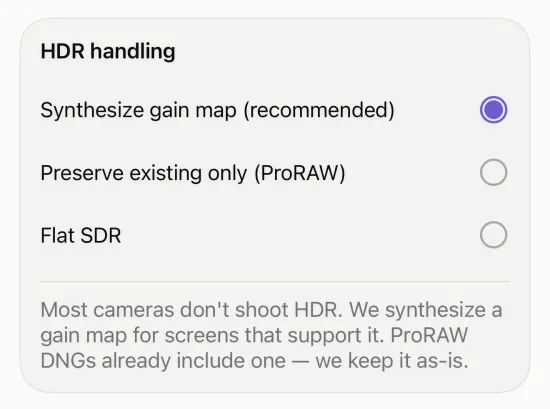
ISO 21496-1 gain-map synthesis keeps HDR photos looking right after conversion — the highlights still glow.
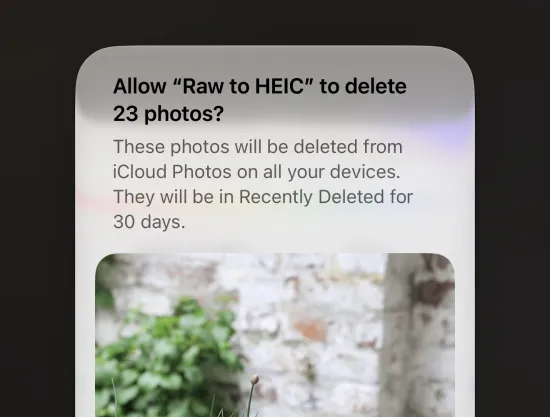
See the savings first. A RAW is never deleted until its HEIC is saved and verified — and deleting originals is opt-in, per batch.
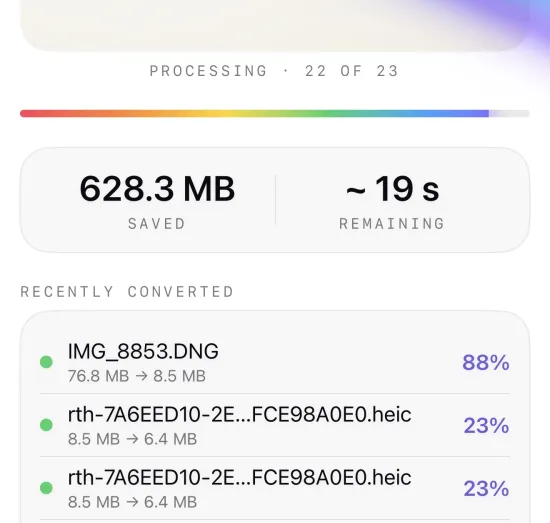
Everything runs on your device. Nothing is uploaded, there is no account, and there is zero analytics or tracking.
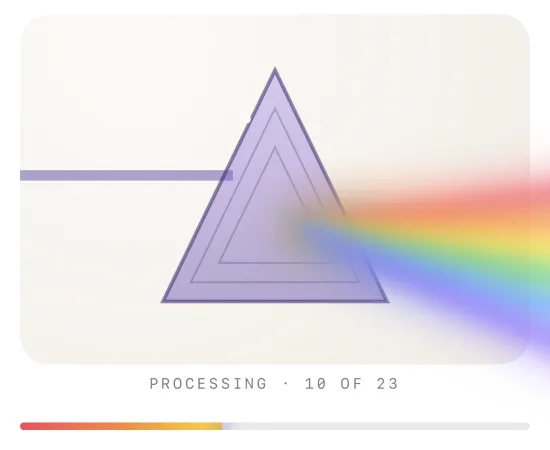
Kick off a batch and keep using your device. Conversion continues in the background while you carry on.
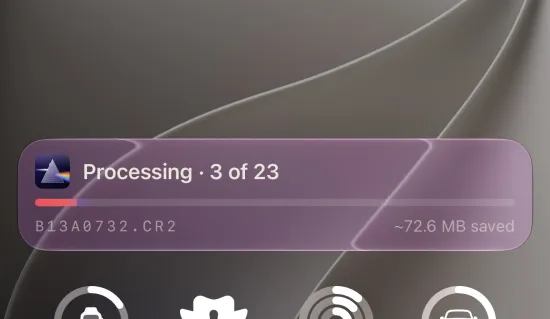
Live progress on the Lock Screen and Dynamic Island — count, percentage, and space reclaimed, updated as it runs.
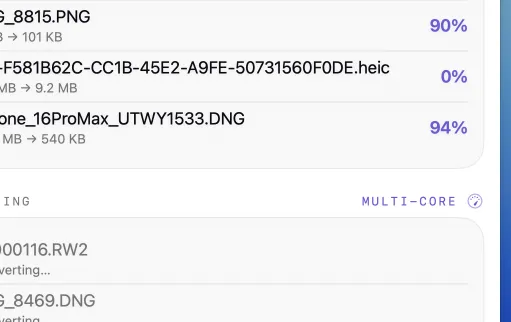
On Mac and iPad, Turbo Mode converts several photos at once across your cores — big batches finish in a fraction of the time.
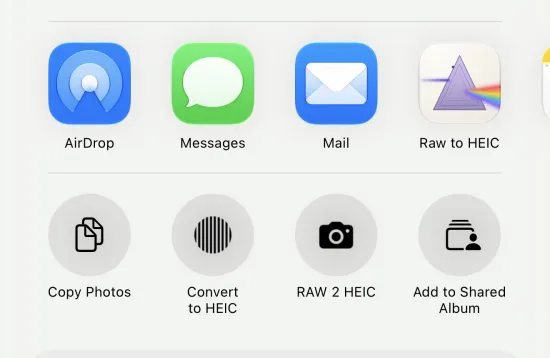
Convert loose files straight from the Files app, Finder, or any app’s share sheet — no need to import them into Photos first.
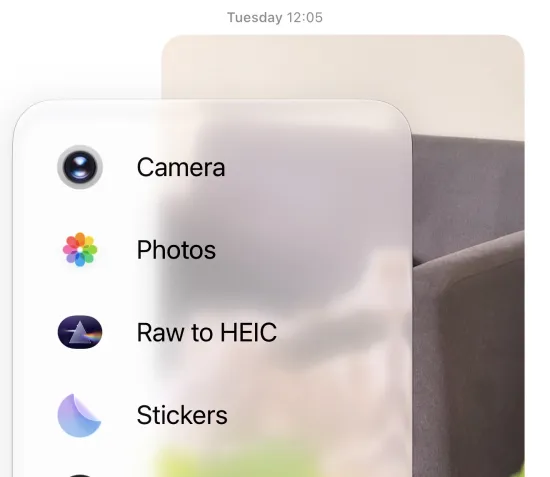
Shrink a photo and send it right from the Messages app — a smaller file, sent without leaving the conversation.
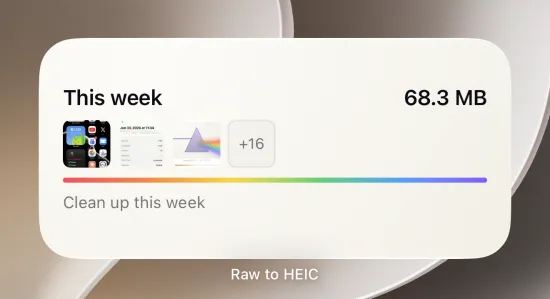
A Home Screen widget that converts your recent screenshots to HEIC in one tap — quick cleanup of the clutter that piles up.
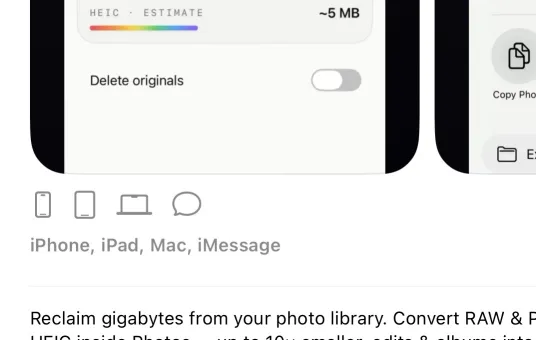
50 free conversions a day. Unlimited is a single one-time purchase — or a yearly plan — across iPhone, iPad and Mac. And a free App Clip to try first.
Free for 50 conversions a day. One purchase — or a yearly plan — unlocks unlimited on iPhone, iPad, and Mac. On-device, no account.

Not sure yet? Convert a few sample photos free — no install, nothing uploaded.
Try it free — no install →