Universal Purchase Versus Subscription: What Fits?
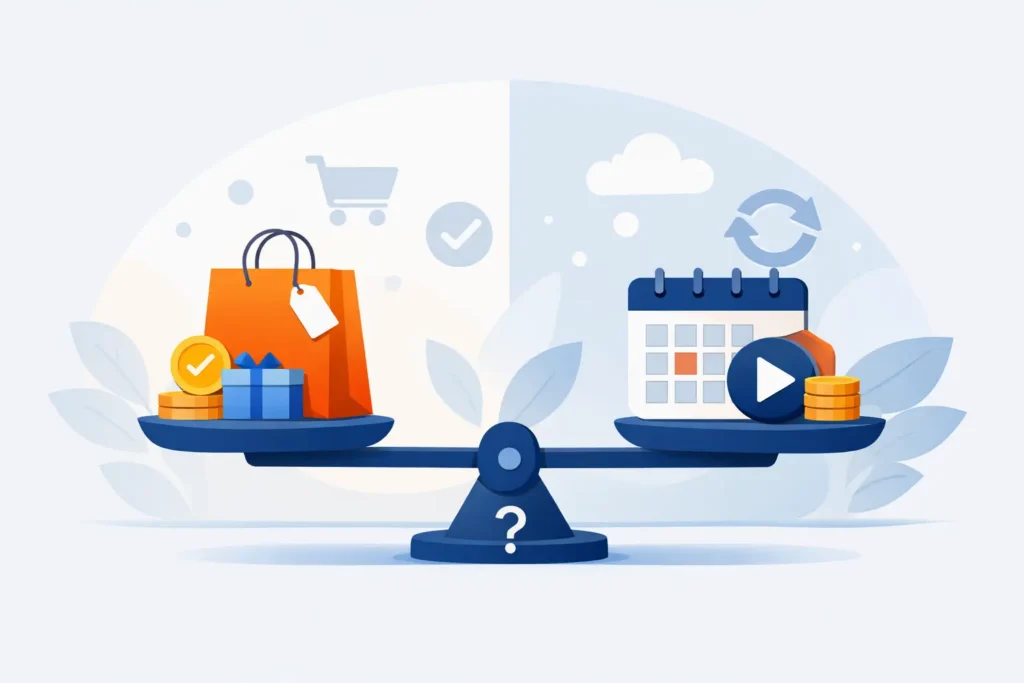
Your RAW library is not getting smaller on its own. A few shoots from a mirrorless camera, a year of iPhone ProRAW photos, and suddenly storage becomes the recurring bill behind every photo you keep. That makes the universal purchase versus subscription question more practical than philosophical: are you paying for a tool you will use for years, or paying for a service that must keep earning its place every year?
For Apple photographers, the right answer depends on what the app does, how often you use it, and whether its ongoing work creates costs that genuinely need recurring revenue. A photo converter that works on-device and inside Photos has a different value profile from a cloud editing suite, a stock library, or an AI service with expensive servers.
Universal Purchase Versus Subscription at a Glance
A universal purchase is a one-time payment that unlocks an app on every supported device tied to your Apple ID. Buy it once on iPhone, and you can use it on iPad and Mac without buying the same app again. You own access to the paid features for the life of the app, subject to the developer continuing support for current operating systems.
A subscription charges on a repeating schedule, usually monthly or yearly. It keeps premium features active while the plan is active. Stop paying, and the app typically returns to its free tier or removes access to paid tools.
Neither model is automatically better. Subscriptions can make sense when an app includes server processing, large cloud storage, licensed content, or continually expensive AI compute. A universal purchase makes more sense when the work happens locally on your own device and the tool solves a durable, specific workflow problem.
That distinction matters with photo conversion. If you want to turn finished RAW images into compact HEIC files while keeping them organized in Apple Photos, you are not necessarily buying a constantly changing online service. You are buying a faster way to preserve the library you already built.
Start With the Real Cost, Not the Entry Price
A subscription often looks cheaper at checkout. Ten dollars per year feels easier than twenty dollars today. But photo libraries are long-lived, and the math changes quickly when you measure the plan against the years you expect to keep shooting.
At $9.99 per year, a subscription reaches roughly the cost of a $19.99 lifetime option shortly after the second year. Keep the app for five years and you have paid nearly $50. Keep it for a decade and the total is close to $100.
That does not mean the annual plan is a bad deal. It may be the better choice if you are testing a new workflow, cleaning up a single oversized library, or simply prefer a lower upfront cost. The point is to compare the purchase against your actual time horizon, not against one year alone.
There is also a less obvious cost: switching tools later. If you let a subscription lapse, will you need to find another converter, export files, rebuild your routine, or postpone a library cleanup? A buy-once option reduces that decision fatigue. The tool remains available when your storage starts tightening again.
What “Universal” Should Mean for Apple Users
A purchase is more valuable when it follows you across the devices where you actually manage photos. Many photographers capture on iPhone, review on iPad, and do their larger library work on Mac. Paying separately on each device defeats the convenience of an Apple-first workflow.
A true universal app gives you the same paid capability across iPhone, iPad, and Mac with one purchase. That is not just a pricing benefit. It means you can choose the best screen, battery level, or moment for the task without wondering which version you paid for.
For example, you might convert a few ProRAW images after a weekend trip directly on your iPhone. Later, you can process an older DSLR album from your Mac. The method stays consistent because the app and purchase travel with your Apple ID.
Before choosing any paid photo utility, check the fine print. “Available on iPhone and Mac” does not always mean “paid once, use everywhere.” Look for explicit universal purchase language, and confirm whether premium access is shared through Apple’s purchase system.
When a Subscription Is Worth It
Subscriptions are justified when they pay for ongoing value that does not exist without them. Cloud backup is the clearest example. The provider has to store your files, maintain data centers, protect accounts, and deliver bandwidth every time you access your library.
The same can apply to apps that depend heavily on server-side image processing, frequently refreshed generative tools, or a large catalog of licensed assets. In these cases, a one-time fee may not cover the continuing expense of delivering the product.
A yearly plan can also work well for a temporary project. Perhaps you are digitizing family archives, consolidating several drives, or preparing a large catalog for a move to a new device. You may only need unlimited use for a short period, and an annual plan gives you a predictable cost.
The concern begins when a subscription is attached to a simple local utility that you expect to keep using indefinitely. If the app collects no data, processes images on-device, and does not provide paid cloud infrastructure, recurring billing may feel less connected to the value being delivered.
Why Local Photo Conversion Favors a Lifetime Option
RAW files are valuable, but they are large. Once you have finished editing and no longer need the latitude of the original RAW capture for everyday access, HEIC can reduce storage use dramatically while preserving excellent image quality. In the right workflow, files can be up to 10 times smaller.
The hard part is not creating a smaller file. The hard part is doing it without breaking your library. File-based converters often require exporting originals, choosing folders, importing new versions, checking metadata, and manually deleting the source files. That creates duplicates, uncertainty, and more opportunities to lose the context that makes Photos useful.
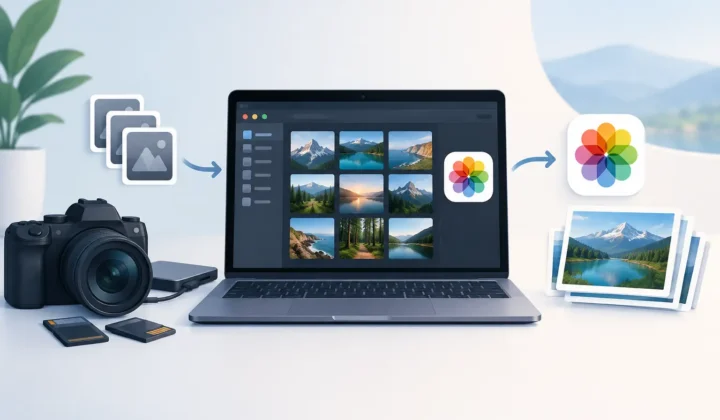
A Photos-native utility changes the equation. It can convert within your existing library while retaining albums, favorites, captions, locations, metadata, and non-destructive editing context. Processing on-device also keeps personal images on your hardware rather than sending them to a third-party server.
That is why RawToHEIC offers both models: a $19.99 lifetime purchase and a $9.99 yearly plan, each universal across iPhone, iPad, and Mac. The free version lets you try the workflow with daily conversions first. Unlimited conversion is available when the app proves useful, not before.
The Safety Question Matters More Than Billing
Choosing a payment model should not distract from the more permanent decision: what happens to your photos during conversion? Storage can be recovered. Lost originals, missing locations, or broken organization are harder to repair.
A trustworthy conversion workflow should create the HEIC result in Photos, verify that the result is present and usable, and only then offer deletion of the original. The deletion step should be clear and intentional, never assumed. You should also have a chance to inspect the converted image before deciding whether the RAW file is still worth keeping.
HDR support matters, too. A smaller format is only a win if it preserves the visual qualities you care about. For photographers using iPhone ProRAW or compatible HDR workflows, the converter should handle those images without flattening the reason you captured them in the first place.
Compatibility is equally practical. Your app should support the formats you shoot, whether they come from Canon, Sony, Nikon, Fujifilm, Olympus, Panasonic, or an iPhone. “RAW support” is too vague on its own. Your camera and your library deserve a specific answer.
How to Choose Without Overthinking It
Choose a universal purchase if you expect to use the app beyond two years, want predictable ownership, and prefer tools that remain available without another renewal decision. It is especially compelling for local, privacy-first utilities that solve a stable task such as reducing the size of finished photos.
Choose a subscription if the lower initial cost helps, your need is temporary, or the app provides a continuing service that costs money to operate. A yearly plan can be a sensible on-ramp when you want unlimited access now but are not ready to commit long term.
Whatever you choose, start with the free allowance if one is available. Convert a small, representative set of images: a ProRAW photo, an edited RAW favorite, a picture in several albums, and an image with location and caption data. Confirm the HEIC result looks right, appears where it should, and leaves your Photos organization intact.
Your photo library is a long-term record, not a monthly experiment. Pick the plan that keeps your storage under control while respecting the way you already shoot, edit, and organize – then spend less time managing files and more time making the next photograph.
Shrink your RAW library, right inside Photos.
RawToHEIC converts camera RAW and iPhone ProRAW to HEIC up to 10× smaller — keeping every edit, album, favorite, and location. On-device, no account, one purchase for iPhone, iPad, and Mac.

Not sure yet? Convert a few sample photos free — no install, nothing uploaded.
Try it free — no install →