ProRAW vs HEIC Quality: What Actually Changes?
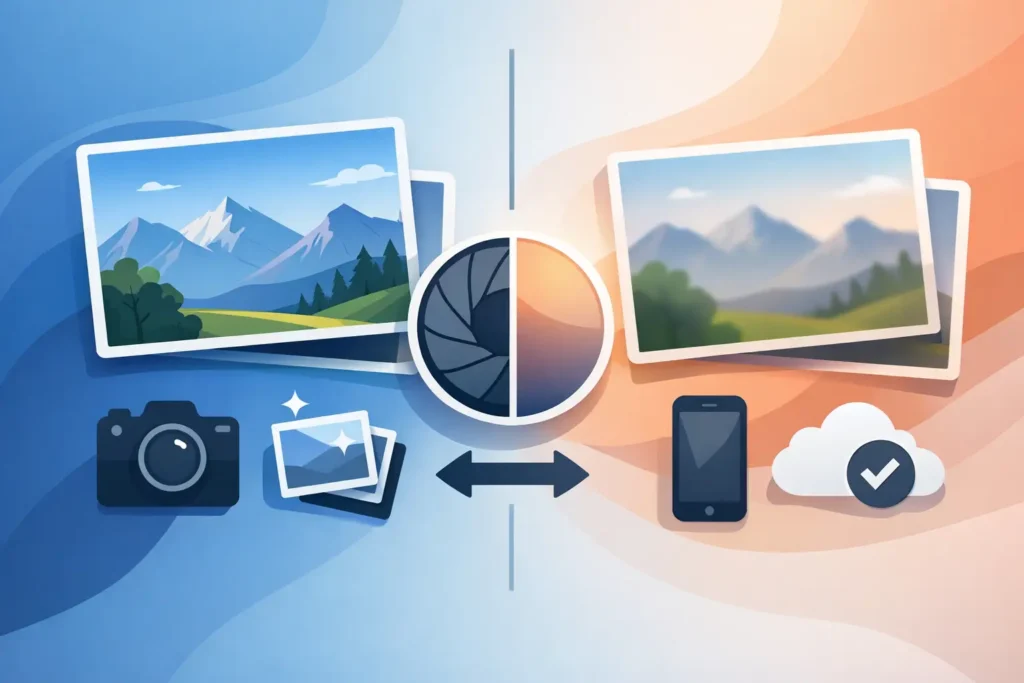
A single iPhone photo can look great in both formats and still behave very differently once you edit, crop, share, or try to reclaim storage. That is the real question behind ProRAW vs HEIC quality. It is not just about which file looks better at a glance. It is about how much image data you keep, how far you can push an edit, and whether that extra headroom is worth the space.
If you shoot on an iPhone Pro, you have probably seen this firsthand. A HEIC image might land around a few megabytes. A ProRAW file can be ten times larger, sometimes more. On a full library, that gap adds up fast. The trade-off is simple on paper but less obvious in practice: ProRAW preserves more editing latitude, while HEIC gives you efficient, polished results that are easier to live with every day.
ProRAW vs HEIC quality in real use
HEIC is Apple’s high-efficiency photo format. It is designed to keep file sizes low while preserving strong visual quality for normal viewing, sharing, and everyday edits. On iPhone, HEIC also benefits from Apple’s computational photography pipeline, so the image you get is often already well balanced in exposure, color, noise reduction, and sharpening.
ProRAW is different. It keeps much more of the original sensor data while still carrying some of Apple’s computational photography advantages. That means it gives you more room to recover highlights, lift shadows, adjust white balance, and fine-tune tone and color before the image starts to fall apart. You are working with a more flexible source.
That flexibility is where most of the quality difference lives. On a small screen, in good light, and with little or no editing, many people will not see a meaningful visual gap between a HEIC shot and a carefully processed ProRAW version. But once you start making stronger adjustments, the difference becomes easier to spot. ProRAW usually holds texture and tonal detail better under pressure.
Where ProRAW quality is actually better
The clearest ProRAW advantage shows up in difficult scenes. Think bright skies with dark foregrounds, indoor shots with mixed lighting, night scenes, or portraits where skin tone needs careful correction. In these cases, ProRAW gives you more headroom. You can pull back a bright window, open up shadow detail, or correct an awkward white balance with fewer artifacts.
It also helps when your edit is part of the creative process rather than a minor cleanup. If you like shaping contrast manually, dialing in your own color, or making selective adjustments later, ProRAW gives you a stronger starting point. You are less dependent on the camera’s baked-in decisions.
Cropping can be another factor. If your workflow includes reframing after the shot, starting from a higher-information file often gives cleaner results, especially when combined with heavier edits. The image is not magically sharper, but it tends to degrade more gracefully.
That said, ProRAW is not a shortcut to a better photo. If focus is off, motion blur is present, or the light is flat, RAW does not fix any of that. It simply gives you more usable data to work with.
Where HEIC holds up surprisingly well
HEIC wins more often than people expect. In bright daylight, balanced indoor light, and scenes that do not need major correction, HEIC can look excellent. For many casual and even enthusiast use cases, it is already very close to the final image you want.
Apple’s image processing is a big reason why. A HEIC straight from the iPhone often has pleasing contrast, clean noise handling, and color that looks ready to share. If your usual edit is limited to a crop, a slight exposure tweak, or a filter, HEIC is often enough. The quality is high, and the storage savings are substantial.
This matters because file size is not a side issue. Large photo libraries create pressure everywhere – on device storage, iCloud usage, backups, transfers, and long-term organization. A format that is a few megabytes instead of several dozen changes the day-to-day experience of using Photos.
ProRAW vs HEIC quality for editing
If your workflow is edit-first, ProRAW usually deserves the edge. It tolerates aggressive changes better. You can push exposure more before noise becomes distracting, recover highlight detail with smoother rolloff, and make color corrections with less banding or tonal breakup.
If your workflow is shoot, lightly adjust, and keep moving, HEIC often makes more sense. It is efficient, polished, and much easier to manage at scale. The quality is strong enough for social sharing, prints at normal sizes, family albums, travel photos, and a large share of everyday photography.
This is where many Apple users land: not every image needs RAW treatment. Some photos are worth the extra data because they are portfolio pieces, difficult lighting situations, or images you know you will revisit. Others are simply memories you want to keep organized without turning your library into a storage problem.
The hidden cost of choosing ProRAW for everything
The most overlooked part of ProRAW vs HEIC quality is that quality has a storage price. Shoot in ProRAW all the time and your library grows fast. That affects more than free space. It can change how willing you are to keep originals, sync across devices, or maintain years of photos inside Photos without constant cleanup.
There is also a workflow cost. RAW files invite more editing because they can handle it. That is useful when you want control, but it can become friction when you just want to review, organize, and move on. Not every shot needs a careful grade.
For many people, the smartest approach is selective. Capture in ProRAW when the scene is challenging or the image matters enough to justify later editing. Keep HEIC as the default for everyday shooting. That gives you quality where it counts without carrying RAW-sized files for every receipt, snapshot, and casual frame.
And if you already have a large RAW library, there is a practical middle ground. Once you have finished editing and no longer need maximum flexibility, converting completed RAW images to HEIC can dramatically cut storage use while keeping them in your Photos library. That is exactly the kind of cleanup RawToHEIC is built for – on device, inside Photos, with metadata and organization intact.
What most users should choose
If you are asking which format is better in absolute terms, ProRAW has the higher ceiling. It preserves more data and gives you more control. For demanding edits, that matters.
If you are asking which format is better for most photos most of the time, HEIC is the more practical answer. It looks very good, works naturally across Apple devices, and keeps your library manageable. For many images, the visible quality difference after normal edits is small enough that the storage savings are the bigger win.
The right choice depends on how you shoot and what happens after capture. Photographers who regularly recover highlights, reshape tone, or match color across a set will benefit from ProRAW. Users who care more about speed, efficiency, and a clean Photos workflow will often prefer HEIC once the heavy editing is done.
A better way to think about image quality
Image quality is not just what you see at first glance. It is also how well a file survives your real workflow. Can it handle the edits you want? Can you store thousands of images without friction? Can you keep your albums, favorites, captions, and adjustments organized in one place?
That is why ProRAW and HEIC are not really enemies. They serve different stages of the same photo life cycle. ProRAW is for capture and flexibility. HEIC is for efficiency and everyday usability. Knowing when to use each one is usually more valuable than picking a permanent side.
If a photo is special, difficult, or destined for careful editing, keep the headroom. If the edit is finished and the file is just taking up space, efficiency starts to matter more than theoretical potential. The best format is often the one that matches what you need next.
Shrink your RAW library, right inside Photos.
RawToHEIC converts camera RAW and iPhone ProRAW to HEIC up to 10× smaller — keeping every edit, album, favorite, and location. On-device, no account, one purchase for iPhone, iPad, and Mac.

Not sure yet? Convert a few sample photos free — no install, nothing uploaded.
Try it free — no install →