FFF · Hasselblad / Imacon RAW
Convert FFF to HEIC
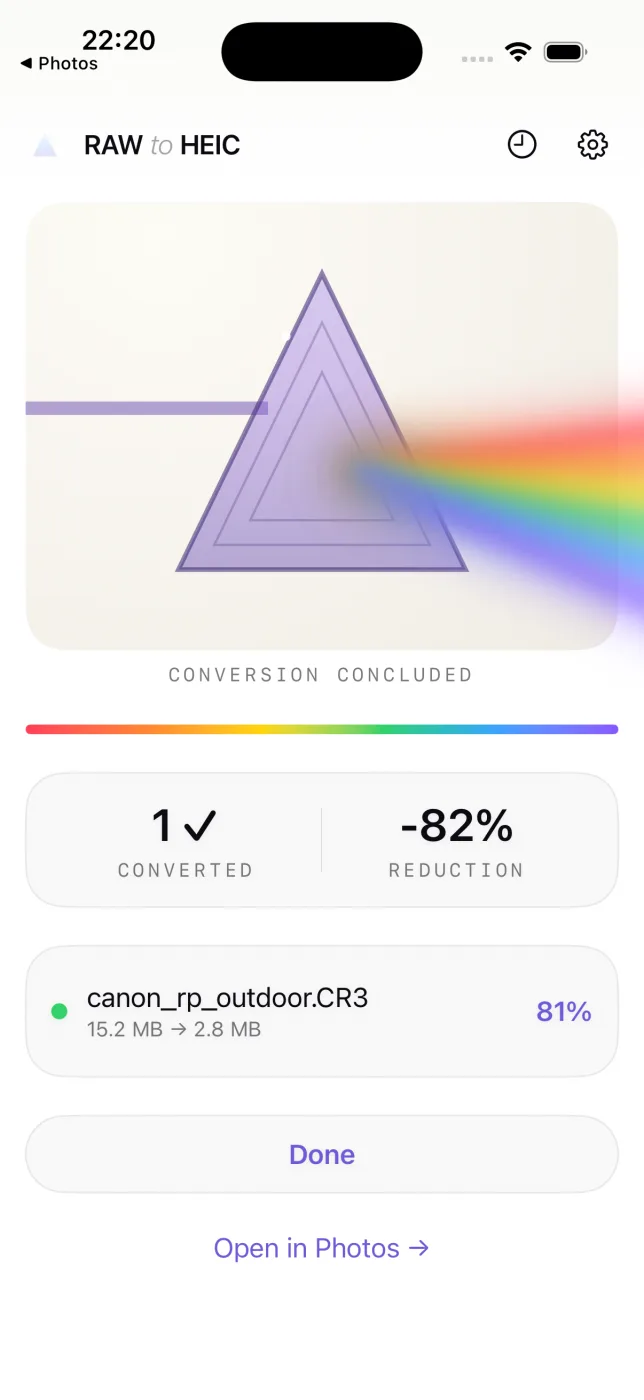
FFF is Hasselblad’s Flexible File Format — the RAW you get from Hasselblad’s Phocus software and from Imacon and Hasselblad scanners. Like 3FR, the files are very large. RawToHEIC converts your FFF files to HEIC inside Apple Photos, keeping every edit, album, favorite, and location.

What is an FFF file?
An FFF file is Hasselblad’s Flexible File Format, a RAW format produced by Hasselblad’s Phocus workflow and by Imacon/Hasselblad Flextight scanners. It carries high-bit-depth capture data and, like Hasselblad’s 3FR, runs to tens or even hundreds of megabytes. Once you have finished processing an FFF, converting it to HEIC keeps the resulting image in your library while reclaiming most of the storage it occupied.
Convert FFF right inside Photos
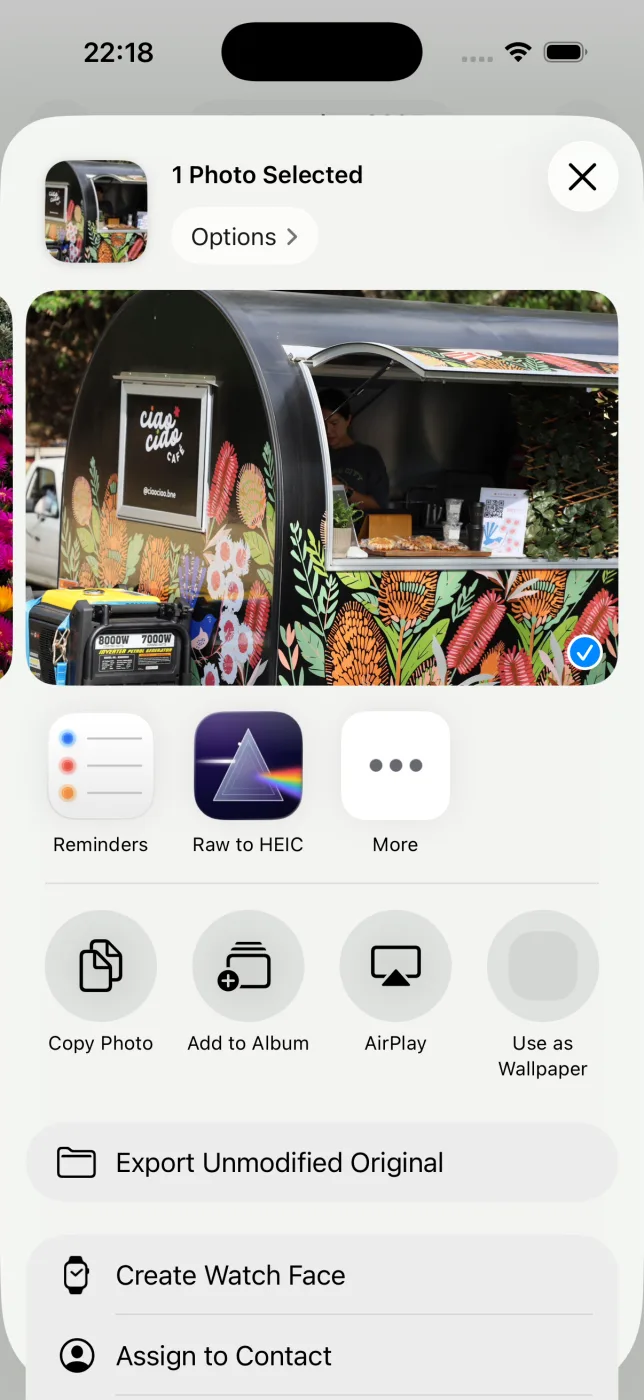
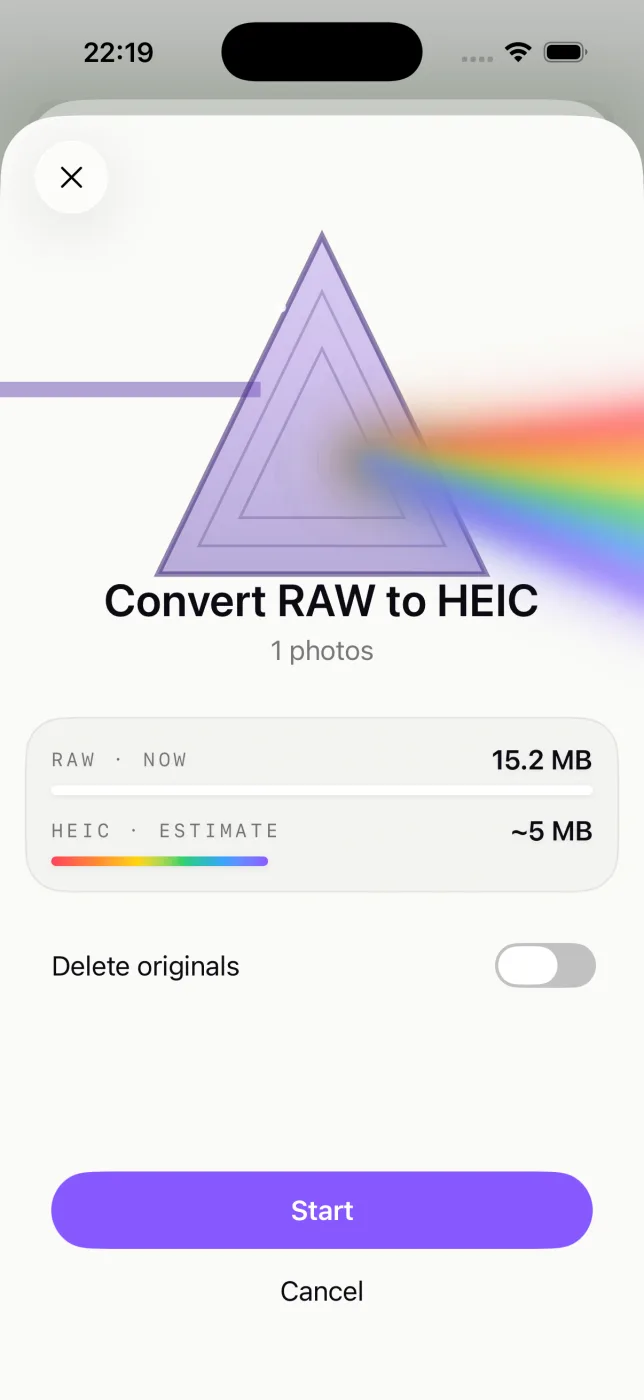
No exporting to Files, no importing back, nothing uploaded. Select your FFF photos in Apple Photos, tap Share, and let RawToHEIC convert them on iPhone, iPad, or Mac.
Everything about the photo is kept
- Edits, crops, and adjustments carry over exactly as they look in Photos.
- Album membership, favorites, captions, and keywords stay put.
- Location and full camera metadata (EXIF) travel with the HEIC.
- HDR is preserved with an ISO 21496-1 gain map.
- Your originals are never deleted until the HEIC is saved and verified.
Cameras that shoot FFF
FFF comes from Hasselblad’s Phocus workflow and Imacon/Hasselblad scanners, often 50–150 MB per file. If your archive includes these, RawToHEIC converts their files:
FFF questions, answered
What is an FFF file?
An FFF is Hasselblad’s Flexible File Format — a RAW format from Hasselblad’s Phocus software and from Imacon/Hasselblad scanners.
How do I open an FFF file?
Apple Photos and Preview can open FFF on a recent Mac, and RawToHEIC reads them from your Photos library to convert them.
Can I shrink my FFF files without losing detail I can see?
Yes. RawToHEIC converts FFF to HEIC, keeping the visible detail and the photo’s metadata while removing most of the bulk.
Does converting an FFF reduce quality?
HEIC is lossy, a trade of a small visible difference for a very large size reduction. Keep originals for archival masters; convert finished work.
Will it delete my original FFF files?
Only if you choose to, per batch, and never until the HEIC is saved and verified. Deleted originals stay in Recently Deleted for 30 days.
Get your storage back.
Convert your FFF files to HEIC on-device, keep every edit and album, and reclaim the space — one purchase for iPhone, iPad, and Mac.
Not sure yet? Convert a few sample photos free — no install, nothing uploaded.
Try it free — no install →