RW2 · Panasonic RAW
Convert RW2 to HEIC
RW2 is the RAW format Panasonic Lumix cameras write, across both the full-frame S series and the Micro Four Thirds G and GH bodies. Hybrid shooters who fire a lot of stills end up with a deep RW2 library. RawToHEIC converts your RW2 files to HEIC inside Apple Photos, keeping every edit, album, favorite, and location.

What is an RW2 file?
An RW2 file is a Panasonic RAW photo — the unprocessed data from a Lumix camera’s sensor. Depending on the body it runs roughly 20 to 35 MB, with the full-frame S series at the larger end. RAW preserves maximum editing latitude, valuable while you are working on a photo but unnecessary once it is finished; converting those to HEIC keeps the picture and gives the storage back.
Convert RW2 right inside Photos
No exporting to Files, no importing back, nothing uploaded. Select your RW2 photos in Apple Photos, tap Share, and let RawToHEIC convert them on iPhone, iPad, or Mac.
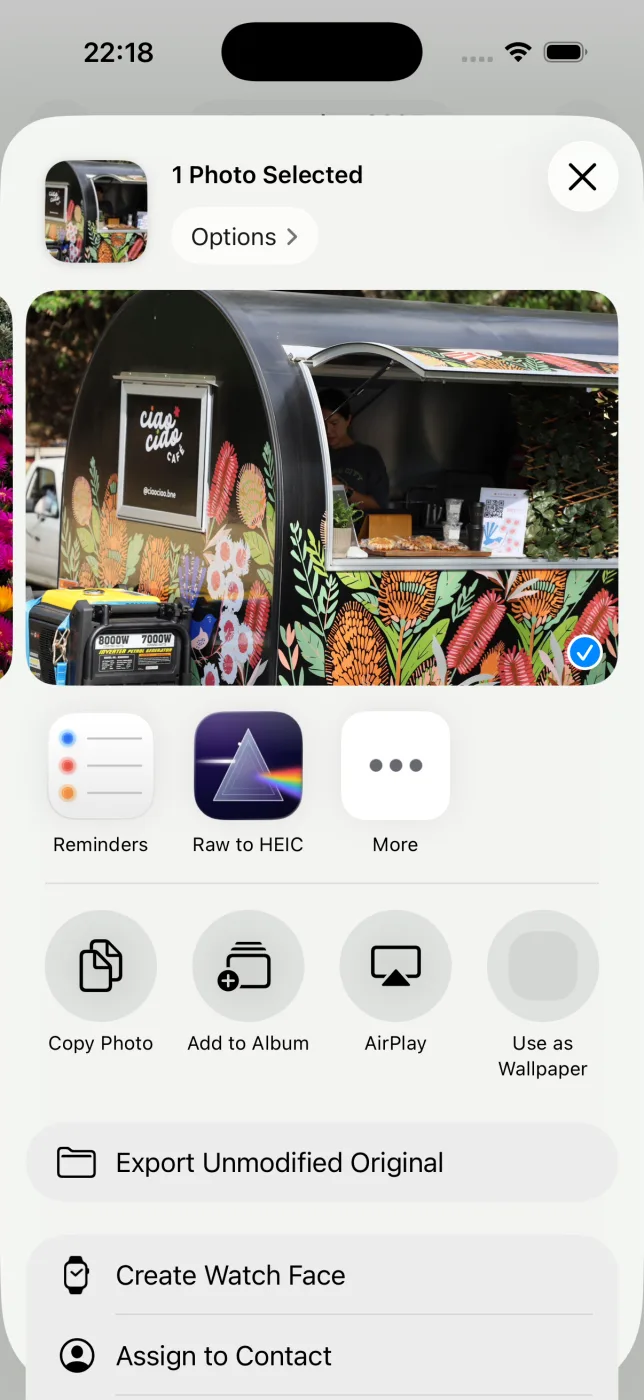
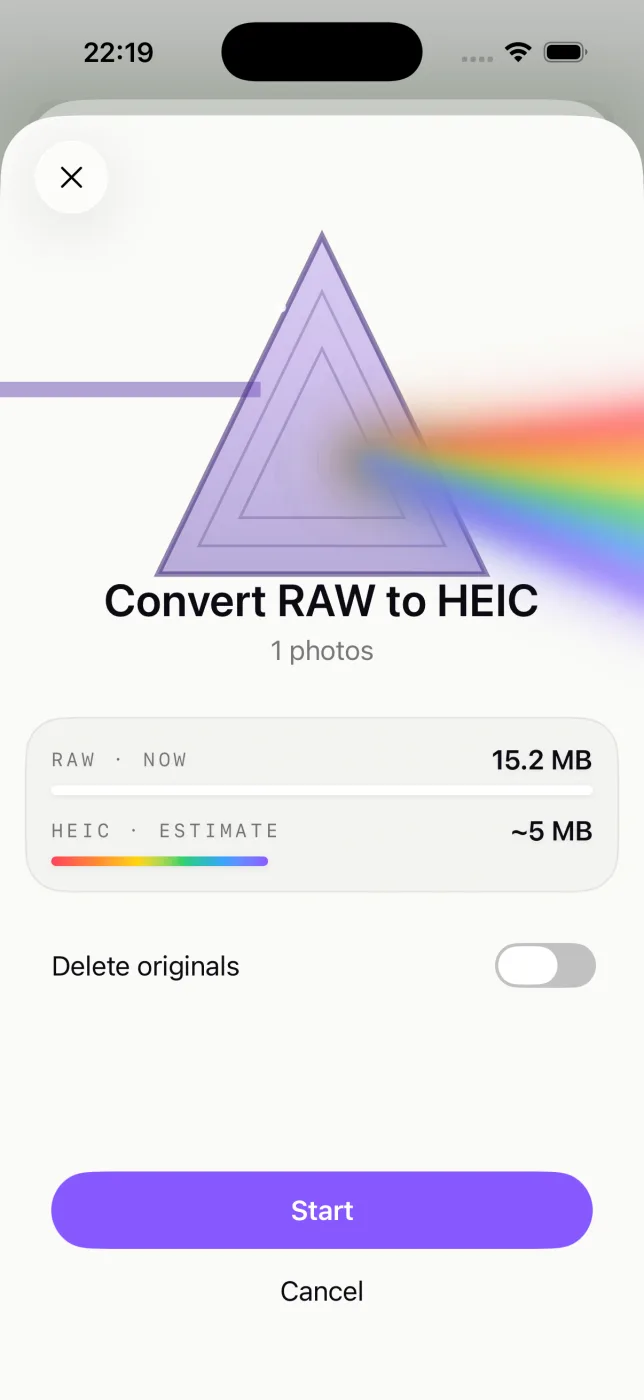
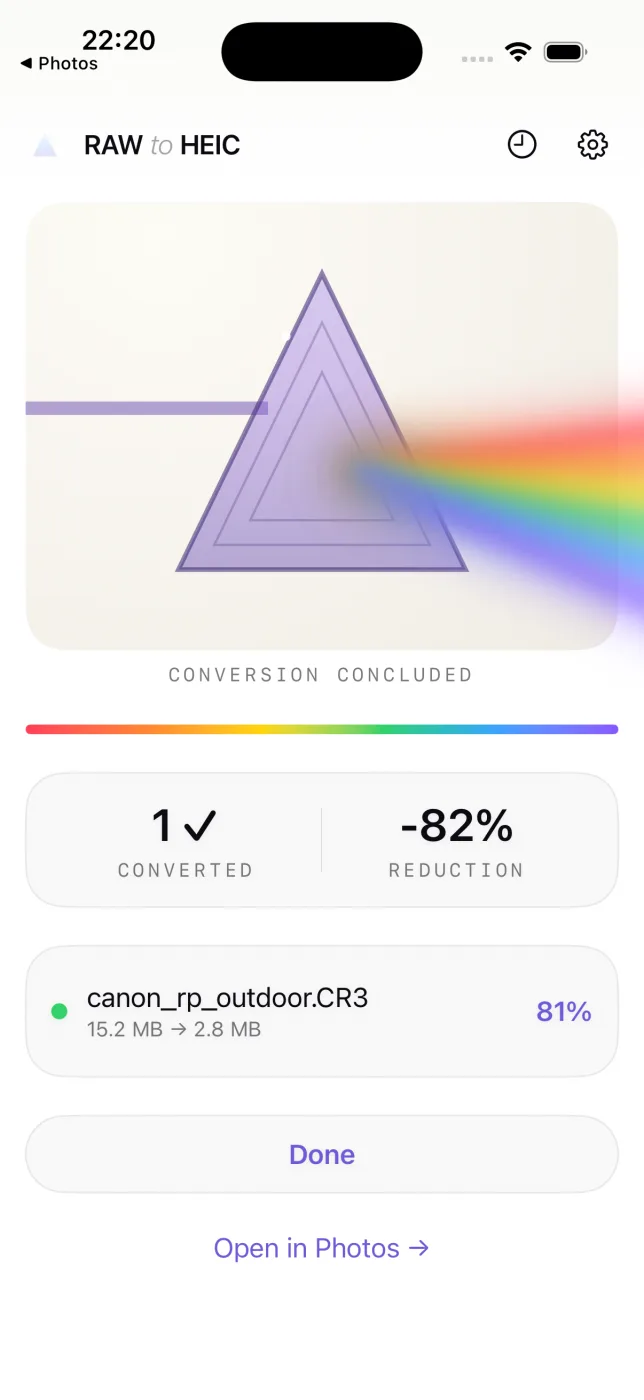
Everything about the photo is kept
- Edits, crops, and adjustments carry over exactly as they look in Photos.
- Album membership, favorites, captions, and keywords stay put.
- Location and full camera metadata (EXIF) travel with the HEIC.
- HDR is preserved with an ISO 21496-1 gain map.
- Your originals are never deleted until the HEIC is saved and verified.
Cameras that shoot RW2
RW2 is written by Panasonic Lumix S, G, and GH cameras, typically 20–35 MB per photo. If you shoot any of these, RawToHEIC converts their files:
RW2 questions, answered
What is an RW2 file?
An RW2 is a Panasonic RAW photo — unprocessed sensor data from a Lumix camera, kept large to preserve editing latitude.
How do I open an RW2 file?
Apple Photos and Preview open RW2 natively on a recent iPhone, iPad, or Mac, and RawToHEIC reads them straight from Photos.
Can I shrink my RW2 files without losing edits?
Yes. RawToHEIC converts RW2 to HEIC and keeps your edits, album, favorite, location, and metadata, in a far smaller file.
Does converting an RW2 reduce quality?
HEIC is lossy — a difference most people cannot see, in exchange for a large size reduction. Keep originals for irreplaceable shots.
Will it delete my original RW2 files?
Only if you choose to, per batch, and never until the HEIC is saved and verified. Deleted originals stay in Recently Deleted for 30 days.
Get your storage back.
Convert your RW2 files to HEIC on-device, keep every edit and album, and reclaim the space — one purchase for iPhone, iPad, and Mac.
Not sure yet? Convert a few sample photos free — no install, nothing uploaded.
Try it free — no install →