HEIC versus JPEG Storage: What Saves More?
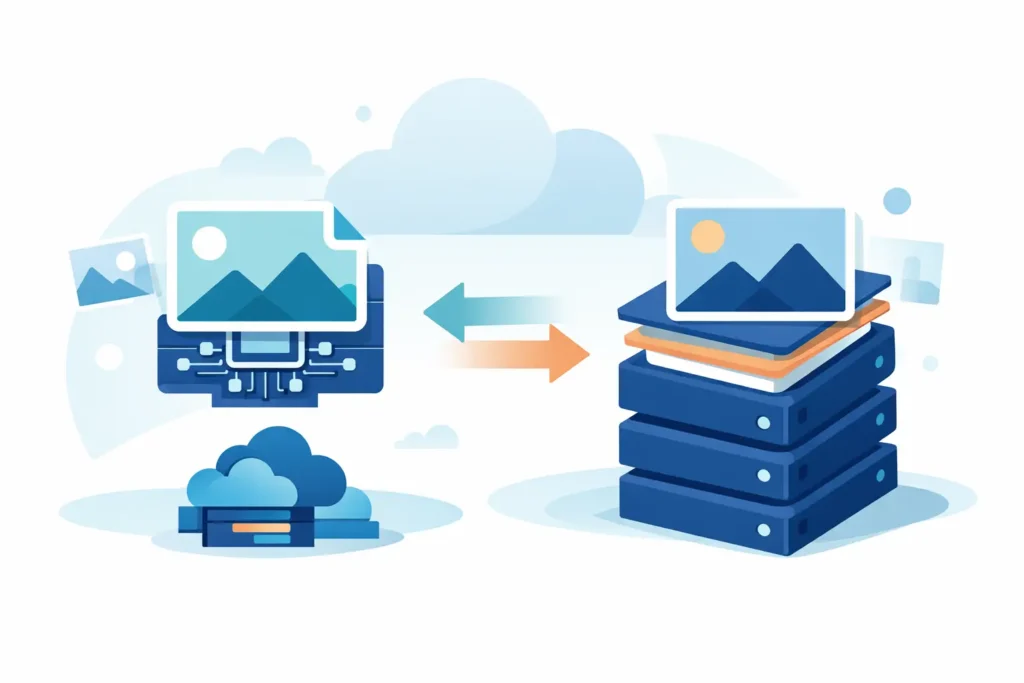
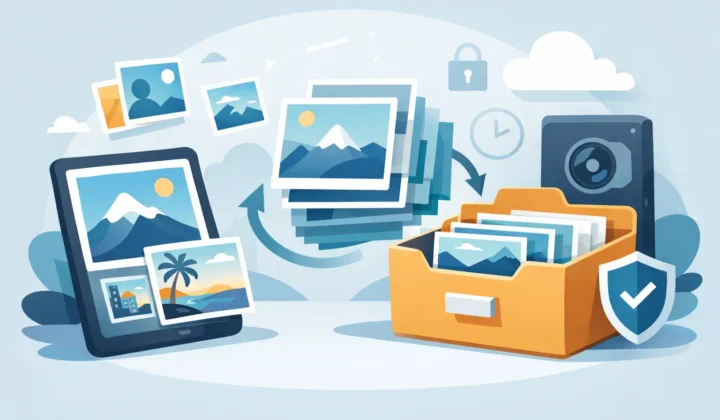
If your Photos library is pushing your iPhone, iPad, or Mac to the limit, HEIC versus JPEG storage is not a minor format debate. It directly affects how many edited shots you can keep on-device, how often you hit iCloud limits, and how much friction you add to your workflow.
For Apple users, this choice usually shows up after capture, not before. You shoot in RAW or ProRAW for flexibility, make your edits, then decide what the long-term version should be. That is where storage efficiency starts to matter. A format that is only slightly smaller does not change much. A format that cuts file size in a meaningful way can keep your library usable for much longer.
HEIC versus JPEG storage in real use
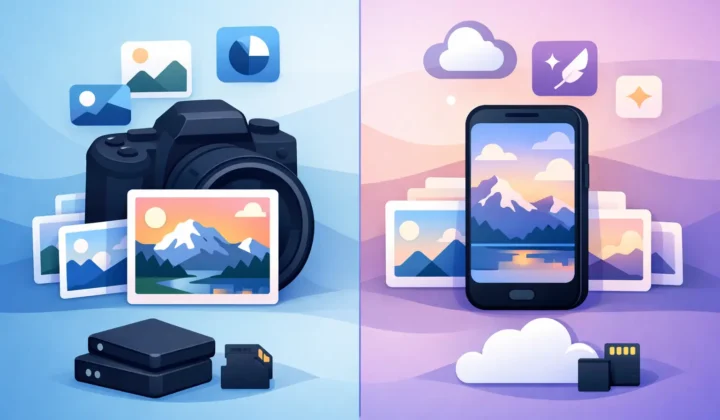
In simple terms, HEIC usually stores the same photo in less space than JPEG. Both are compressed image formats, but HEIC uses newer compression methods. That gives it a clear efficiency advantage, especially on Apple devices where support is built in across the system.
The difference is often noticeable at scale. One exported photo may not look dramatic in Finder, but a library with thousands of finished images is another story. Save 1 MB or 2 MB per image across a large album and the total starts adding up fast. For people managing edited RAW files, the gap can become the difference between a library that stays on-device and one that gets pushed into constant cleanup mode.
JPEG is still everywhere for a reason. It is easy to share, universally compatible, and familiar. But from a storage perspective, it is older technology. When the goal is to keep image quality high while reducing file size, HEIC often has the stronger case.
Why HEIC files are usually smaller
HEIC is based on HEIF, a newer container and compression approach designed to store more visual information more efficiently. That matters because file size is not just about dimensions. It is also about how intelligently the format compresses detail, color, and tonal transitions.
JPEG compresses aggressively, but it does so with older limitations. Fine detail, gradients, and repeated edits can expose those limits faster. To preserve similar visual quality, JPEG often needs more space.
HEIC can usually achieve comparable visible quality at a lower file size. On many photos, that means a HEIC version can be substantially smaller than a JPEG version exported at a similar quality target. The exact savings depend on the image, but the pattern is consistent enough that Apple adopted HEIC as its modern default for everyday photo capture.
That does not mean every HEIC file will always beat every JPEG file. Export settings matter. Quality sliders matter. Resolution matters. A heavily compressed JPEG can be smaller than a high-quality HEIC. But if you are comparing sensible settings intended to preserve image quality, HEIC tends to win on efficiency.
Image content changes the result
Not every photo compresses the same way. A clean portrait with soft backgrounds behaves differently from a busy street scene full of texture, foliage, and contrast. Storage comparisons only make sense when you account for the image itself.
Photos with smooth tones and less random detail often compress very well in both formats, but HEIC still tends to keep the edge. More complex scenes can widen the gap because efficient compression matters more when there is more information to encode.
This is why blanket claims about exact percentages can be misleading. You may see one batch where HEIC saves 25 percent over JPEG and another where it saves much more. The practical takeaway is not the exact number. It is that HEIC consistently gives Apple users a better chance at shrinking libraries without dropping to visibly weaker exports.
Quality matters more than raw file size
The wrong way to compare formats is to ask which one creates the smallest file, full stop. The better question is which one gives you the quality you want at the smallest practical size.
That distinction matters for finished photo libraries. If a JPEG needs a higher quality setting to avoid visible artifacts, and a HEIC does not, then the smaller HEIC file is doing more useful work. You are not just saving space. You are preserving a better version of the image while doing it.
This is especially relevant after editing RAW files. Once you have spent time adjusting exposure, color, highlights, and detail, exporting to an inefficient final format can undercut the value of that work. HEIC is often the better endpoint when you want a shareable, compact, high-quality image that still feels polished inside Photos.
When JPEG still makes sense
JPEG is not obsolete. It is simply less efficient.
If you regularly send images to older systems, websites, or clients with unknown compatibility requirements, JPEG remains the safest common denominator. Some apps and services still handle JPEG more predictably than HEIC, especially outside the Apple ecosystem.
There is also a habit factor. Many photographers have used JPEG for years and know exactly how it behaves. That consistency can matter in mixed-device environments.
But for Apple-first users who store, organize, and revisit photos inside Photos, JPEG’s compatibility advantage is often smaller than it sounds. If your library lives primarily across iPhone, iPad, and Mac, HEIC fits the platform more naturally. In that context, larger files are harder to justify.
HEIC versus JPEG storage for edited RAW libraries
This is where the conversation becomes less theoretical.
RAW files are large by design. They preserve editing latitude, which is why photographers use them. But once an image is finished, keeping every shot in RAW forever can create a bloated library that is expensive to store and slower to manage.
Many users reach the same point: the edit is done, the keeper is selected, and what they need now is a compact final file that still looks excellent. For that stage, HEIC is often the smarter storage format than JPEG.
It reduces size meaningfully while staying native to Apple Photos. That native part matters. A smaller file only helps if the workflow around it is clean. If conversion creates loose files, strips metadata, or breaks the organization you already built, the storage gain comes with unnecessary cost.
That is why Apple users often prefer a Photos-native conversion path. With a tool like RawToHEIC, the point is not just converting RAW into HEIC. It is doing it on-device, inside Photos, while keeping the library structure, metadata, and editing context intact. Storage savings are valuable. Storage savings without workflow damage are what actually stick.
What about editing, metadata, and future use?
Storage format decisions are rarely just about megabytes. They affect how confidently you can keep using your library over time.
HEIC works well for finished images you want to keep accessible, searchable, and easy to manage. It supports modern image handling and fits Apple’s ecosystem well. For many users, that makes it a strong long-term format for edited selects and archive-friendly everyday access.
JPEG is simpler in mixed environments, but simplicity can come at the cost of larger files and less efficient storage planning. If your main concern is future sharing outside Apple, JPEG may still earn a place in specific cases. If your main concern is reducing storage pressure inside an Apple-centered workflow, HEIC is usually the better fit.
The more your library grows, the less this feels like a technical preference and the more it feels like maintenance strategy. Small decisions repeated across thousands of images become major storage outcomes.
So which format should you choose?
For most Apple users, HEIC is the better answer when storage efficiency is the priority and image quality still matters. It usually produces smaller files than JPEG at similar visible quality, integrates naturally with Apple devices, and makes more sense for finished images that stay in Photos.
JPEG still has a role when broad compatibility is non-negotiable. If you frequently hand files off to older software, unknown recipients, or systems outside Apple, JPEG can still be the practical export choice.
But if you are looking at your Photos library and trying to create space without turning your workflow into a loose-file mess, HEIC is usually the format that aligns better with how Apple users actually manage photos.
A good photo workflow should not force you to choose between quality, storage, and organization. The best format is the one that keeps all three in balance, quietly and consistently, as your library keeps growing.
Shrink your RAW library, right inside Photos.
RawToHEIC converts camera RAW and iPhone ProRAW to HEIC up to 10× smaller — keeping every edit, album, favorite, and location. On-device, no account, one purchase for iPhone, iPad, and Mac.

Not sure yet? Convert a few sample photos free — no install, nothing uploaded.
Try it free — no install →