PNG · PNG image
Convert PNG to HEIC
PNG is a lossless format built for graphics and screenshots, which makes PNG photos and full-resolution screenshots surprisingly heavy. They pile up fast. RawToHEIC converts photographic PNGs and screenshots to HEIC right inside Apple Photos, keeping the image while cutting the size dramatically.

What is a PNG file?
A PNG (.png) is a lossless image format designed for crisp graphics, screenshots, and images that need transparency. Because it is lossless, a photographic PNG or a full-resolution screenshot can be several megabytes — and a library full of them takes real space. Converting photographs and screenshots stored as PNG to HEIC keeps them looking identical while reclaiming most of the size. (For line-art or logos that rely on transparency, keep the PNG — HEIC is best for photographic content.)
Convert PNG right inside Photos
No exporting to Files, no importing back, nothing uploaded. Select your PNG photos in Apple Photos, tap Share, and let RawToHEIC convert them on iPhone, iPad, or Mac.
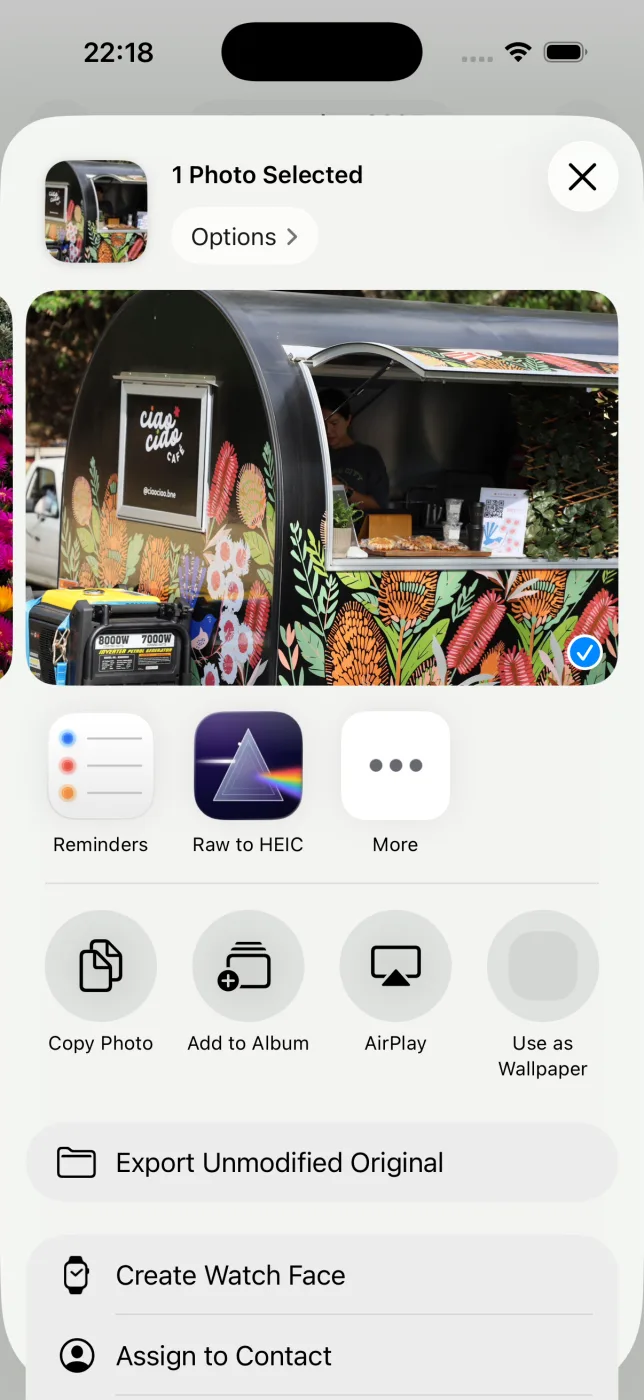
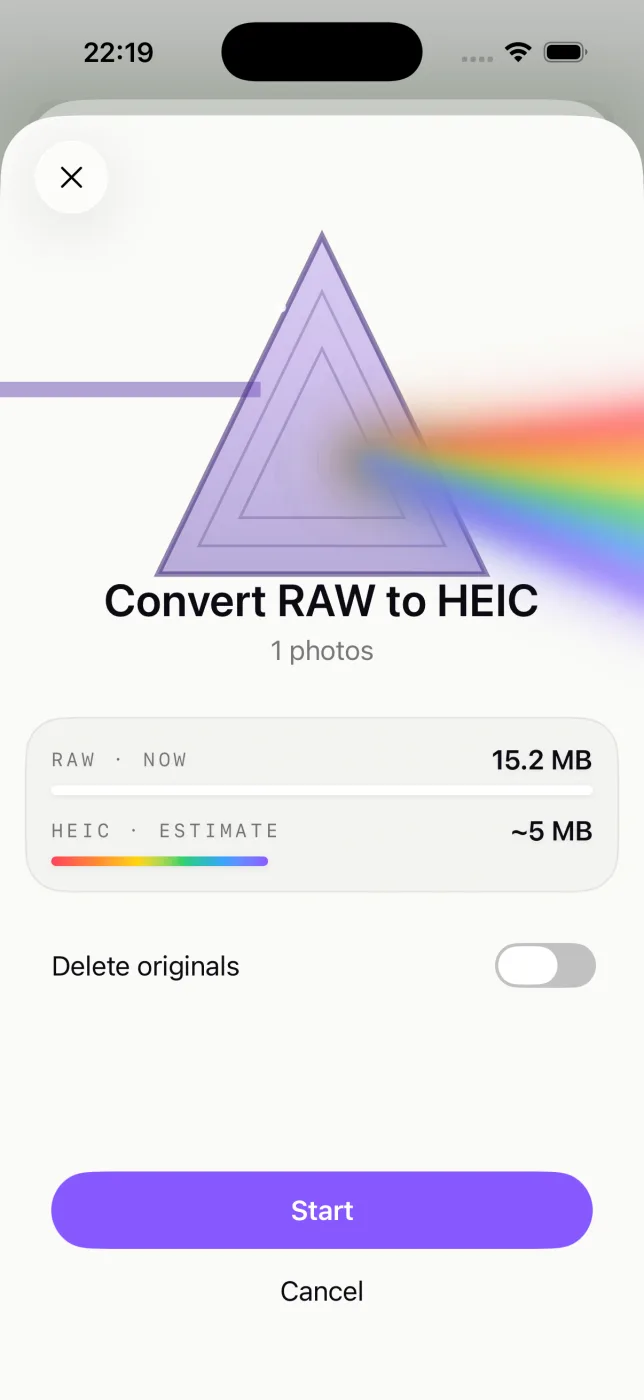
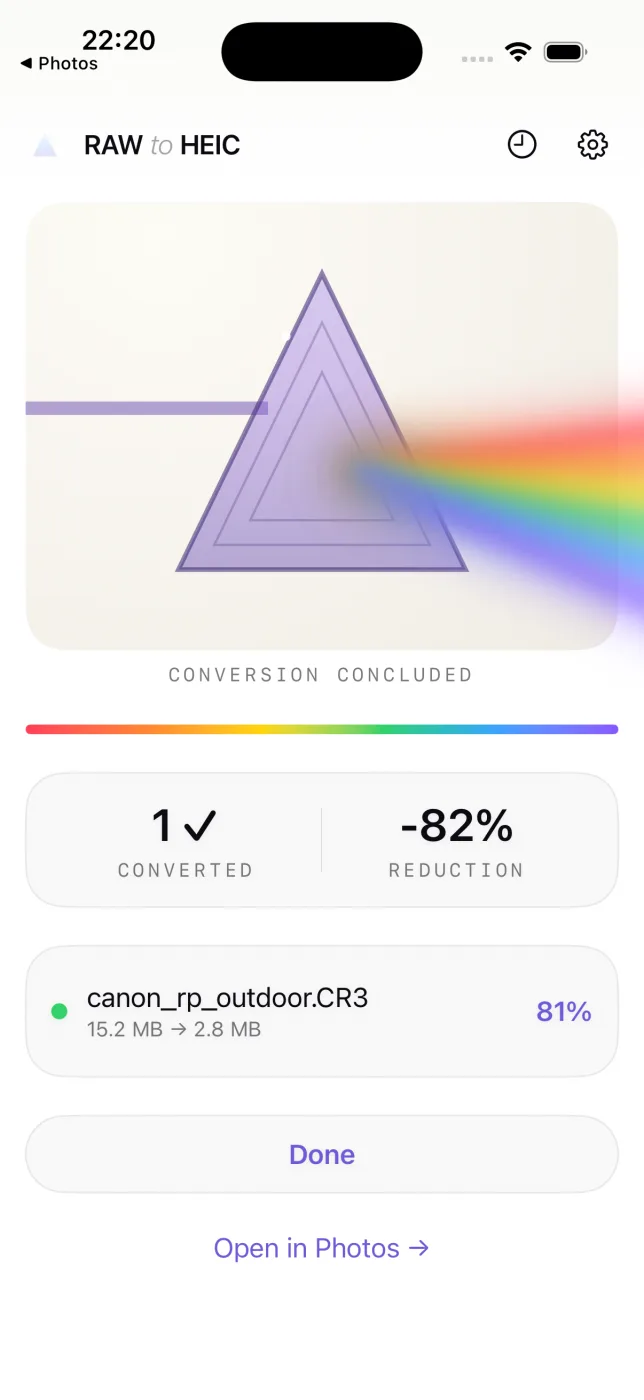
Everything about the photo is kept
- Edits, crops, and adjustments carry over exactly as they look in Photos.
- Album membership, favorites, captions, and keywords stay put.
- Location and full camera metadata (EXIF) travel with the HEIC.
- HDR is preserved with an ISO 21496-1 gain map.
- Your originals are never deleted until the HEIC is saved and verified.
Where PNG files come from
PNG turns up most as screenshots and exported graphics. RawToHEIC converts photographic PNGs and screenshots to the much smaller HEIC format:
PNG questions, answered
Should I convert PNG to HEIC?
For photos and screenshots stored as PNG, yes — HEIC is far smaller with no visible difference. For logos or line-art that need transparency, keep the PNG.
Why are my PNG screenshots so large?
PNG is lossless, so it stores every pixel exactly. That is great for crisp text but makes full-resolution screenshots heavy. HEIC compresses them to a fraction of the size.
Does converting PNG to HEIC lose quality?
HEIC is lossy, but at the quality RawToHEIC uses the result is visually identical for photos and screenshots while being much smaller.
Does HEIC support transparency like PNG?
HEIC is aimed at photographic images and does not preserve PNG-style transparency, so keep PNGs that rely on a transparent background.
Will it delete my original PNG files?
Only if you choose to, per batch, and never until the HEIC is saved and verified. Deleted originals stay in Recently Deleted for 30 days.
Get your storage back.
Convert your PNG files to HEIC on-device, keep every edit and album, and reclaim the space — one purchase for iPhone, iPad, and Mac.
Not sure yet? Convert a few sample photos free — no install, nothing uploaded.
Try it free — no install →