RAW versus JPEG Storage: What Actually Saves Space
A single afternoon of shooting can turn an iPhone, mirrorless camera, or DSLR into a storage problem. Twenty edited favorites may be worth keeping at full RAW quality. Two thousand nearly identical frames from a completed trip usually are not. RAW versus JPEG storage is therefore not just a technical comparison. It is a decision about what deserves editing flexibility, what needs to stay easy to share, and how much space your Photos library should consume.
For Apple users, the practical question is often more specific: once a photo is edited and approved in Photos, should it remain a large RAW original, become a JPEG, or use a more efficient format such as HEIC? The right answer depends on where that image is in its life cycle.
RAW versus JPEG storage at a glance
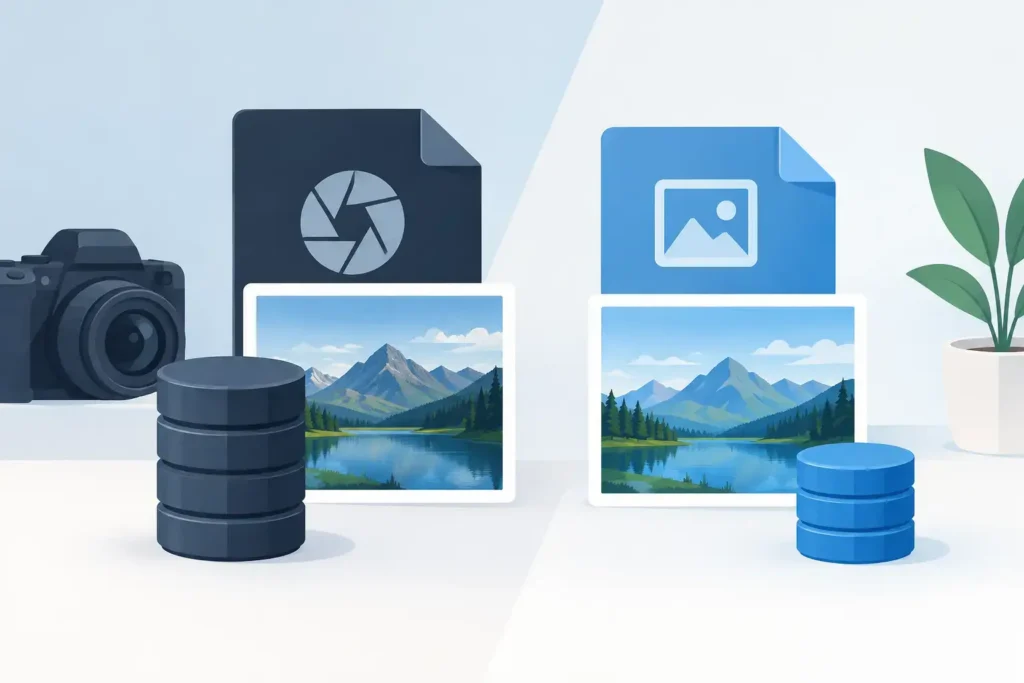
RAW files hold the unprocessed sensor data captured by your camera. They are designed for editing, not efficiency. A RAW file from a modern mirrorless camera commonly ranges from 20 MB to 60 MB, while high-resolution bodies and uncompressed formats can go much higher. Apple ProRAW can also be substantial, often around 25 MB per image depending on the scene and device.
JPEG is a finished, compressed image. It is far smaller because the camera or app has already applied processing and discarded image data that is less likely to be visible. A typical JPEG might land between 3 MB and 12 MB at comparable dimensions.
That difference adds up quickly. A 500-photo RAW shoot at 30 MB per file occupies about 15 GB. At 6 MB each, comparable JPEGs need around 3 GB. The JPEG library is easier to sync, back up, and keep available on devices with limited local storage.
But smaller is not automatically better. JPEG gets its savings by giving up information you may want later.
What RAW storage buys you
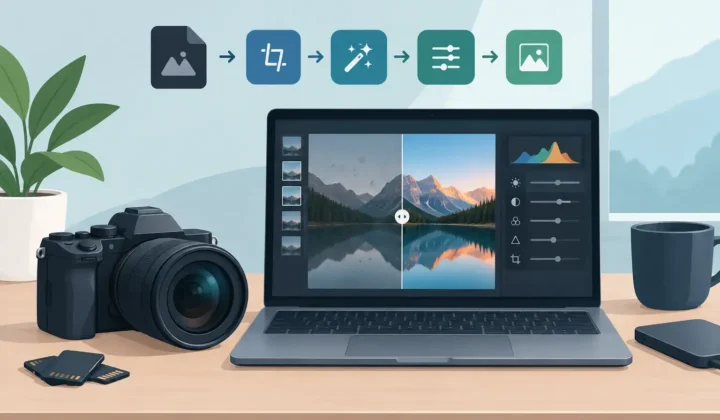
RAW is a working format. Its larger files preserve more tonal and color information, letting you make stronger adjustments without the image falling apart as quickly. If a sunset is too bright, a face is underexposed, or white balance is wrong, RAW gives you much more room to recover the photo cleanly.
This matters most before editing is complete. A photo you expect to revisit for printing, client delivery, portfolio use, or a more ambitious edit deserves the extra headroom. It also matters for difficult scenes: high contrast landscapes, indoor events, night photography, and images where color accuracy is critical.
RAW also keeps the camera’s original capture separate from your edits. In Apple Photos, edits are non-destructive, so you can adjust or revert without overwriting the original. That is a strong reason not to convert every RAW photo the moment you import it.
The cost is not only storage. Large originals take longer to upload, download, back up, duplicate, and transfer. A growing RAW library can force upgrades to device storage or cloud storage long before the Photos app itself becomes difficult to use.
What JPEG storage saves, and what it gives up
JPEG remains useful because it is compact, universal, and simple. Almost any device, website, printer, or messaging app can open it. If you need a finished image for broad compatibility, JPEG is still a dependable delivery format.
For photos that are already edited, JPEG can reduce the storage burden dramatically. It is especially practical for casual travel photos, event snapshots, reference images, and older work you are unlikely to re-edit extensively.
The compromise is cumulative compression and reduced editing latitude. Heavy shadow recovery can reveal noise and banding. Major white-balance changes can look less natural. Re-saving JPEGs repeatedly can reduce quality further, although simply viewing, copying, or storing a JPEG does not harm it.
JPEG also does not preserve HDR in the same way newer Apple workflows can. If your image includes a bright sky, reflective highlights, or deep shadow detail that looks excellent on an HDR display, converting it to a standard JPEG may flatten that range. For users who value the look of modern Apple displays, that trade-off deserves attention.
HEIC changes the storage conversation
For many Photos libraries, JPEG is not the most efficient final format. HEIC, Apple’s implementation of HEIF image storage, can often deliver similar visual quality at a much smaller size than JPEG. In practical terms, a completed photo may be several times smaller than its RAW original while retaining excellent detail, metadata, and HDR support where available.
This is why RAW versus JPEG storage is not always a two-option decision. RAW is best treated as an editable source. JPEG is a widely compatible final file. HEIC is often the smarter space-saving format for photos you intend to keep in Apple Photos.
There is an important compatibility consideration. JPEG is still easier to send to older systems and certain professional workflows. HEIC is ideal when your library, viewing, and sharing mostly happen on current Apple devices. Photos can also convert when sharing if a recipient or destination requires JPEG, so you do not need to maintain a duplicate JPEG archive for every image just in case.
Use a keep, convert, or delete decision
The most effective storage strategy is selective. Keeping every RAW original forever is expensive. Deleting every RAW after a first edit is risky. Review completed work and decide based on future value.
Keep the RAW original when a photo is exceptional, commercially useful, personally irreplaceable, or likely to benefit from another edit. Keep it when you may need a large print, when the current edit is intentionally experimental, or when the exposure required significant recovery.
Convert the photo when your edit is finished and the image is mainly for viewing, sharing, and remembering. That often includes the majority of a vacation set, family photos, everyday iPhone shots, and successful images where you are happy with the final treatment.
Delete obvious misses early. Blurry frames, accidental captures, and five near-identical versions do not become more valuable because they are RAW. Culling them is the fastest storage saving available, and it does not require compromising quality.
Preserve your Photos library, not just the pixels
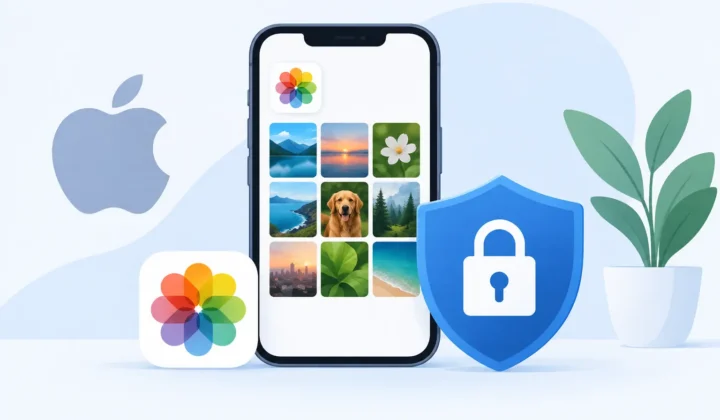
File-based conversion tools create a frustrating problem: they export a new image somewhere else, then leave you to import it, find it, organize it, and delete the original manually. That can break the connection between the photo and the work already done in Photos.
A better workflow preserves the context you have built. Albums, favorites, captions, locations, keywords, metadata, and non-destructive edits are part of the value of a photo library. A smaller image file is not an upgrade if it creates duplicates, loses organization, or makes you question whether it is safe to remove the original.
RawToHEIC is built around this Apple-native approach. It converts supported camera RAW files and iPhone ProRAW directly inside Photos, then uses verified deletion safeguards before removing original RAWs. Processing stays on device, with no loose-file workflow and no analytics-driven upload of your images. The goal is simple: keep the finished photo where it belongs, with its Photos context intact, while reducing its storage footprint.
A practical workflow for Apple photographers
Shoot RAW when the scene calls for it. Use it for images where light is difficult or creative control matters. Import into Photos, make your edit, and give yourself time before deciding the image is final. A short review window prevents rushed deletions.
Then filter for completed photos that do not need their full editing source anymore. Convert those finished keepers to an efficient format, ideally HEIC for an Apple-centered library. Verify that the converted result looks right, that HDR is retained when applicable, and that the image remains in its expected albums with its metadata and edits.
Keep a smaller RAW archive for your best work. This produces a library that remains editable where it counts, practical everywhere else, and far less expensive to store over time.
Storage should not force you to choose between keeping your photographs and keeping your devices usable. Treat RAW as valuable source material, JPEG as a compatibility format, and HEIC as a strong everyday archive choice for Photos. The best library is not the one with the smallest files. It is the one where every file earns the space it takes.
Shrink your RAW library, right inside Photos.
RawToHEIC converts camera RAW and iPhone ProRAW to HEIC up to 10× smaller — keeping every edit, album, favorite, and location. On-device, no account, one purchase for iPhone, iPad, and Mac.



Not sure yet? Convert a few sample photos free — no install, nothing uploaded.
Try it free — no install →